Ollama Setup and Model Management on Linux
Control your GPU, storage, and memory before running the one-line installer.
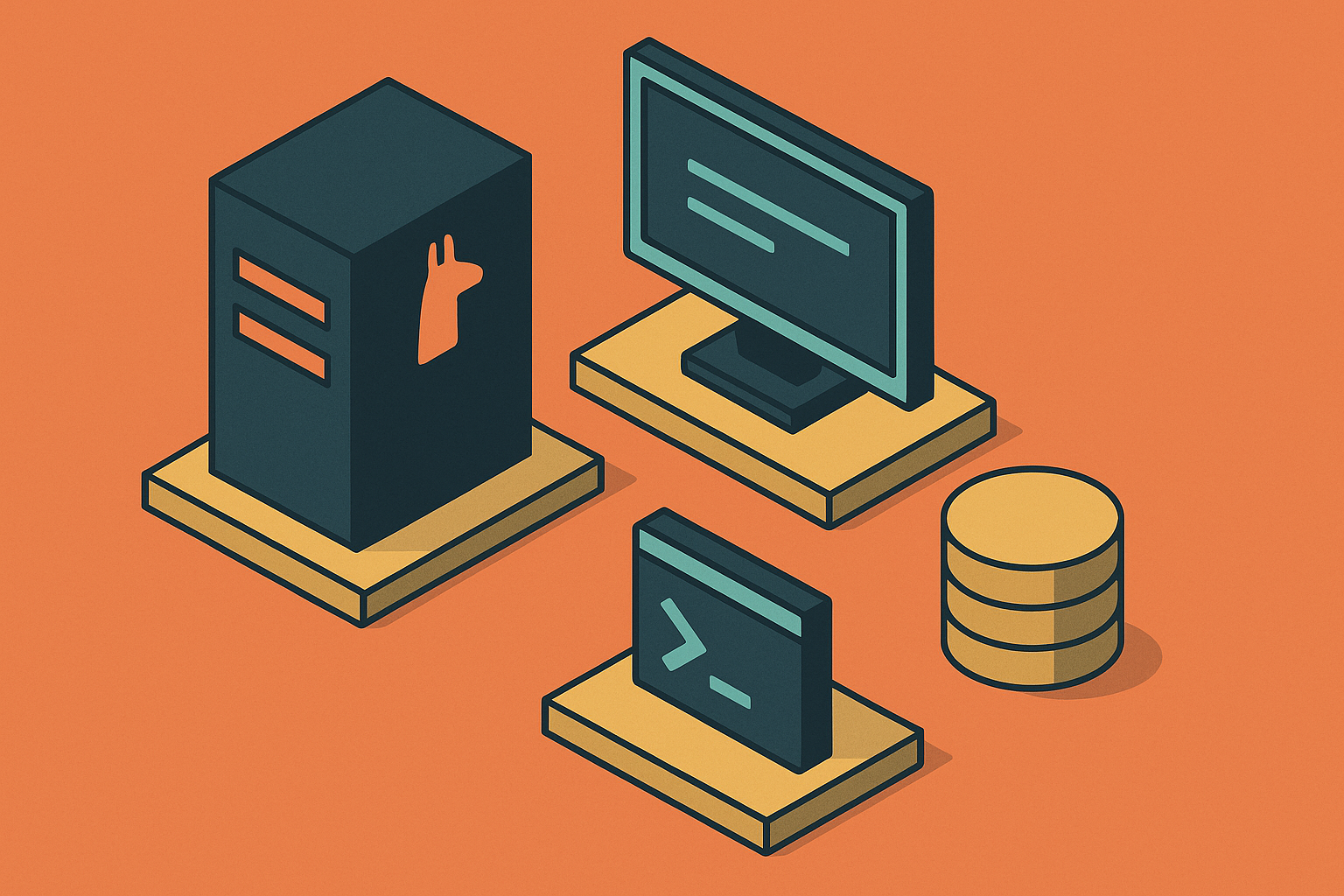
Ollama wraps an inference engine behind a CLI and a REST API, so developers and teams can download, manage, and serve open-weight language models entirely on local hardware. No cloud dependency, no API keys, no per-token cost. That's the whole pitch, and it holds up.
The one-line installer earns its name honestly: it detects your GPU, configures drivers, and starts a service, all in a single command. But that single command makes a stack of decisions on your behalf. Where models get stored. How memory is managed between requests. Which network interfaces the server listens on. How GPU acceleration gets wired up. Those choices aren't surfaced during the install, so most users don't find out they were made until something runs slower than it should, or a disk fills up faster than expected.
Knowing those choices, and knowing how to override each one, separates a local AI setup that just works from one that's slow, disorganized, or quietly listening on an interface it shouldn't be. The rest of this guide walks through that configuration layer from the ground up, starting with the hardware decisions that come before you ever touch the installer.
Hardware requirements and model choice
The hardware sitting in front of you determines which models are actually usable, so it pays to work that out before installing anything. Figure out your target model family first. That decision shapes how much disk space to allocate, which quantization level to default to, and which environment variables matter later during setup.
Start with the kernel. Linux Kernel 5.15 or newer is strongly recommended, since it carries the GPU driver support and memory-mapping behavior that modern inference workloads lean on. Running something older is one of the easier ways to end up troubleshooting a GPU that technically exists but never gets used.
From there, think in terms of VRAM, not just model name. At Q4_K_M quantization, VRAM capacity maps roughly to model scale: a given card can comfortably hold a given parameter count once it's quantized down to 4-bit. The question isn't "what's the biggest model I can download," it's "what fits in the VRAM I actually have, with enough headroom left for context and concurrent requests."
Quantization is the lever that does the most work here. Choosing q4_K_M over q8_0 cuts VRAM requirements substantially while preserving most of the practical quality a user would notice day to day. Quantization choice is what decides whether a model loads at all on a given card.
GPU driver setup before the Ollama installer runs
The Ollama installer detects GPU hardware automatically, but it can only use what the kernel already exposes to it. Arriving at the installer with missing or misconfigured drivers is the single most common reason GPU acceleration falls back to CPU, silently, with no error telling you it happened.
For NVIDIA cards, confirm the hardware is visible on the PCIe bus before anything else:
lspci | grep -i nvidiaThen confirm the CUDA driver stack is actually active:
nvidia-smiCUDA driver requirements vary by CUDA version rather than a single fixed number: older CUDA 11.x compatibility needs driver 450.80.02 or newer, CUDA 12.x needs 525 or newer, and CUDA 13.x needs 580 or newer on Linux. Match the driver to the CUDA version you're targeting, not the other way around. If deployment runs through Docker, install the NVIDIA Container Toolkit and restart Docker afterward, so containers can see and use GPU resources that the host already has configured.
For AMD cards, the ROCm kernel driver package installs through the standard Ubuntu package manager. Required ROCm versions have moved recent: current llama.cpp-on-ROCm deployments call for ROCm 6.4.0 at minimum, with newer release branches requiring ROCm 7.0.0. After installing, add your user to the render and video groups, since that's what grants a non-root user permission to talk to the GPU device directly. Verify the card is detected with:
rocminfoOllama's GPU support documentation lists which GPU families and driver versions the runtime recognizes, and it's worth a glance before assuming a card is supported. Once nvidia-smi or rocminfo reports your card correctly, the driver layer is done. The installer picks up from here.
Two installation paths
There are two ways to get Ollama onto a Linux box, and the choice between them decides how much visibility and control exists over the runtime from day one.
The first path is the one-line script installer, and it's the right call for most users. It detects NVIDIA or AMD hardware, configures drivers, installs the binary, creates a systemd service, and starts the server, all in one pass. The convenience comes at a cost: the service unit file and its defaults get written for you, and changing any of them later means knowing where that file lives and what each variable inside it actually does. For a single developer running models locally, that's a fair trade.
The second path is manual binary installation, more common on air-gapped systems or in enterprise deployments where nothing touches the internet during setup. The compiled tarball downloads directly from ollama.com/download and extracts to /usr/. From there, the systemd service unit gets written by hand, and environment variables get injected explicitly there. It takes more setup work upfront, but the configuration stays explicit and version-controlled from the moment the service exists.
Either path, once finished, calls for the same check: confirm the binary is in PATH, and confirm the service is actually running, before moving on to configuration. That verification step is cheap, and skipping it is how people end up debugging a config file for a service that never started.
The systemd and environment variable layer that controls runtime behavior
This is where the installer's hidden choices actually live. The systemd service unit controls where models are stored, how long they stay loaded in memory, how many can run at once, and which network interface the server binds to. Every one of those behaviors traces back to an environment variable set in that unit file.
Overriding model storage comes first. By default, models land in a path the installer picked, which usually means the OS partition. Setting OLLAMA_MODELS in the systemd service environment redirects that storage to wherever makes sense, a dedicated NVMe volume, a separate drive, anywhere with room to grow. Given that model libraries can run into the hundreds of gigabytes, this is one override that's worth making before pulling anything large.
Memory management works through a few key variables. OLLAMA_KEEP_ALIVE controls how long a model stays loaded in VRAM after a request finishes. The default unloads it after a short idle period, which keeps VRAM free but adds reload latency on the next request. Keeping it set to 24h keeps a frequently used model hot in memory all day. Setting it to -1 never unloads it at all, useful for a dedicated inference box running one model constantly. Setting it to 0 releases VRAM immediately after each response, which suits a shared GPU running multiple workloads that take turns.
OLLAMA_MAX_LOADED_MODELS governs how many models can sit in memory simultaneously. The default holds one. Setting it to 2 or higher allows simultaneous multi-model execution, but only makes sense if the GPU has enough VRAM to hold both sets of weights at the same time. Pushing this past what the hardware supports produces swapping and slowdown.
Network binding deserves particular attention. By default, the server listens only on localhost, reachable just from the machine it's running on. Changing OLLAMA_HOST to bind across all interfaces is how remote access gets enabled, letting other machines on a network reach the server. It's also where an exposure problem can start, since a server bound to all interfaces without any access control in front of it is reachable by anything that can route to it.
After editing any of these in the service file, the change doesn't take effect until the service reloads:
systemctl daemon-reload && systemctl restart ollamaSkipping that step leaves the edit sitting in the file while the running service keeps using its old configuration.
Choosing models and understanding what the registry tag selects
A model name typed without an explicit tag resolves to a default, usually a 4-bit quantized build sized for common hardware. Understanding how that tag system works is what lets someone match model quality and size to the VRAM budget worked out earlier, rather than accepting whatever ollama pull llama3.2 happens to hand back.
Model families serve different jobs, and picking the right one starts with the task. For coding and reasoning work, one model and phi4 are built around that use case specifically. For retrieval and embeddings rather than conversational use, bge-m3 is called through the embeddings endpoint to produce vectors, not chat responses, and treating it as a chat model is a quick way to get confusing output. For coding tasks at larger scale, qwen3-coder includes a 30B "A3B" mixture-of-experts build, meaning 30 billion total parameters with 3 billion active per inference, a structure that keeps compute cost down relative to a dense model of the same total size.
Quantization choice runs on the same trade-off laid out earlier: q8 and fp16 preserve more of the original model's quality but need substantially more VRAM to run. q4_K_M remains the practical default for VRAM-constrained setups, which covers most single-GPU local deployments. Unsloth's Dynamic GGUFs, labeled Q4_K_XL, are worth evaluating as an alternative. They often match or exceed vanilla Q4_K_M quality at a slightly larger file size, a trade worth making when disk space isn't the binding constraint.
One detail causes enough silent confusion that it earns a direct callout: flag and configuration differences between model variants, like those affecting some builds, change runtime behavior without any error or warning. Pulling the wrong tag doesn't make the model fail; it behaves differently than expected, which is often harder to catch than an outright crash.
Core CLI commands for pulling, inspecting, and removing models
Once the right model and tag are picked, the CLI commands that manage it day to day are small in number but worth knowing cold.
ollama pull <model:tag> downloads the model. The first pull fetches the full set of weights. Every pull after that is near instant if the underlying blob is already cached locally, which matters when testing several tags from the same family.
ollama list shows every model available locally, along with tags and sizes, the fastest way to see what's actually occupying disk space right now.
ollama show <model:tag> displays a model's metadata, its parameters, and its Modelfile, useful for confirming what configuration a given tag is running with before relying on it.
ollama rm <model:tag> removes a model, and what it actually deletes works in a specific way. Base blobs shared with other model variants don't get deleted. The manifest for that specific tag is removed, and only the blobs no longer referenced by any remaining model get pruned. Shared blobs stay in place because something else still points to them.
ollama run <model:tag> starts an interactive session directly from the terminal. Exiting is a Ctrl+D or /bye away.
Underneath these commands sits a two-piece storage structure. Blobs are the actual weight files, named by their SHA256 hash, and they're what consumes the bulk of disk space. Manifests are small JSON files that map a model name and tag to the specific blobs it needs. Models from the same family frequently share base blobs, so removing a larger variant doesn't touch the shared layers a smaller variant in the same family still depends on.
That sharing structure is also why disk usage sneaks up on people. Pulling multiple quantization variants across several model families can easily add up to well over 100 GB without anyone noticing it happening one pull at a time. Running ollama list sorted by size, then clearing out unused variants with ollama rm on a regular basis, builds the baseline maintenance habit early, before the disk fills up. Teams managing many models at once sometimes script this: a shell loop that iterates ollama pull over a list of pinned tags on a schedule, keeping a local registry synchronized without anyone pulling manually each time.
Modelfiles: customizing model behavior without duplicating weight storage
A Modelfile customizes a model for a specific job without touching the underlying weights. It lets you define a system prompt, a temperature, a context window, and stop tokens, then bundle those into a named variant. That variant shares the base model's weights on disk, so creating it costs almost nothing in storage, a few kilobytes of configuration layered on top of weights that already exist.
The parameters inside a Modelfile are where the behavior actually gets shaped. Temperature controls how deterministic or how varied the output is: lower values suit tasks like code generation where consistency is the priority, while higher values suit creative or conversational tasks where some unpredictability is the point. Context window settings determine how much prior conversation or document text the model can hold in view at once. Stop tokens define where a response should end, useful for keeping output from running past where it's needed.
The practical value here is in multiplying use cases without multiplying storage. One base model, pulled once, can back a dozen different Modelfile variants, each tuned for a different job: one set to a low temperature for a coding assistant, another set to a higher temperature for brainstorming, another configured with a narrow context window for quick lookups. Every one of those variants points back to the same blobs on disk. That's what makes Modelfiles the right layer for customization, rather than pulling a separate copy of a model's weights for every variation a team needs.