LM Studio for Non-Technical Local AI Users
A free desktop app that runs AI models locally without technical knowledge or subscriptions.
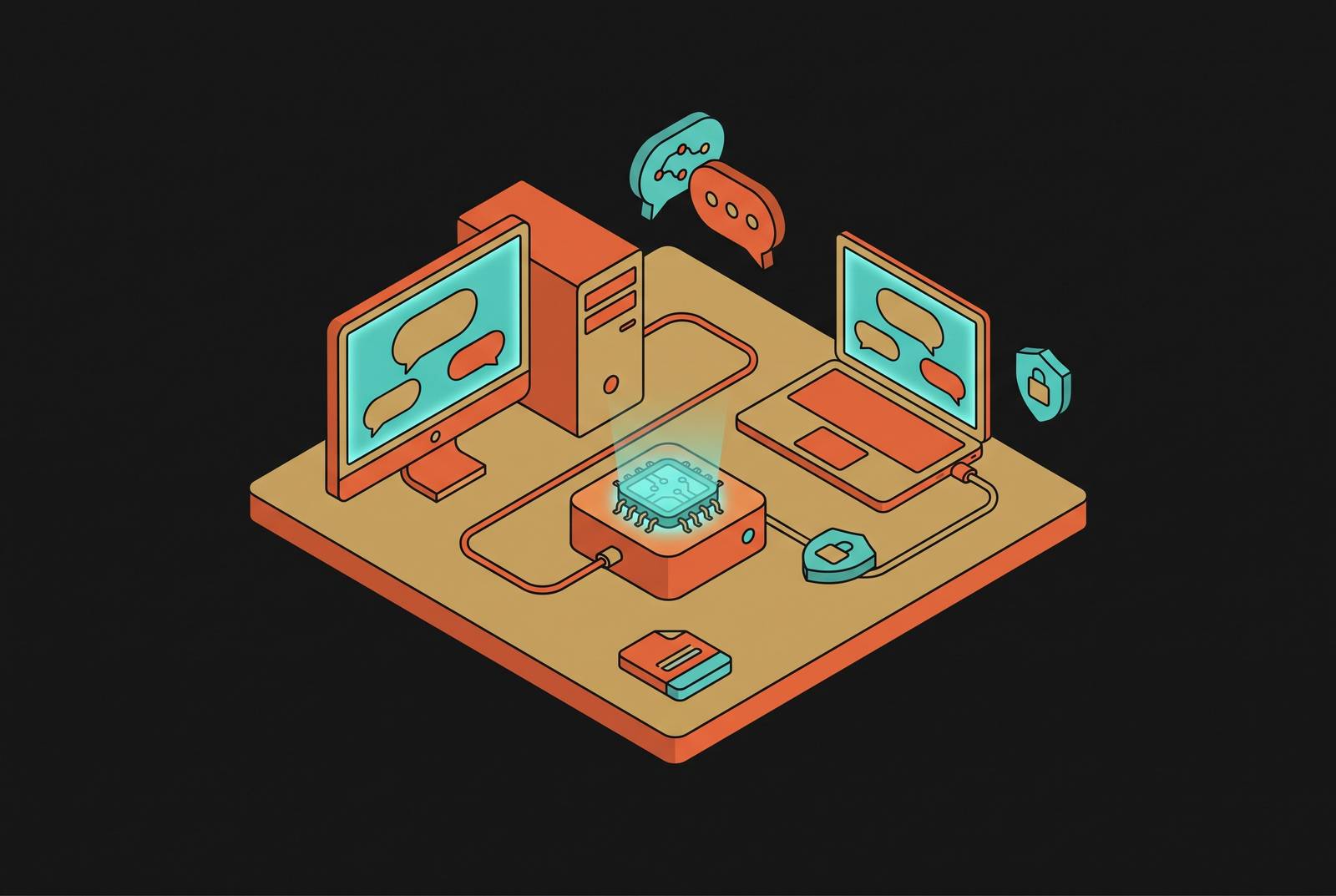
Running an AI model on your own computer, instead of through a cloud chatbot, used to require terminal fluency, manual file management, and a fight with CUDA drivers that could sink an afternoon. LM Studio is the first tool to make that same result (a model running entirely on your own hardware) available to someone who has never opened a command line. The appetite for this didn't appear out of nowhere. Privacy concerns, subscription fatigue, and plain discomfort about feeding confidential documents into someone else's server are pushing writers, researchers, and small-business owners to look past the usual cloud chatbots. What stopped most of them before now was a wall of unfamiliar steps: finding model files by hand, deciphering naming schemes for compression levels, setting up a graphics card driver, running a server from a command line. Every one of those steps assumed a kind of comfort with developer tools that most people don't have and don't want to build. LM Studio, made by Element Labs, is a free desktop app for Windows, macOS, and Linux that handles model discovery, download, hardware setup, and the chat window itself, all inside one program, with nothing to configure during install. Someone who can install Zoom can install LM Studio and be talking to a model running on their own machine within a few minutes, privately, offline, and for free.
What LM Studio actually includes and how its pieces fit together
LM Studio folds every step of running a model (finding it, downloading it, matching it to your hardware, chatting with it, and even serving it to other programs) into one window, so there's never a reason to leave the app or bring in a second tool to get something working. The Discover tab, a model browser that connects to Hugging Face, the main library for openly available models, is what most people touch first. Before anything downloads, it shows the file size, the compression level, and roughly how much memory the model needs, so there's no guessing involved. One click starts the download, and the file lands in local storage. That browser removes the single most frustrating hurdle a new user would otherwise hit: no hunting for the right file format, no decoding a confusing filename, no manually moving a download into the correct folder. The catalog it draws from is large, covering releases like Qwen3, Gemma 3, several DeepSeek variants, Llama, Mistral, Phi, and the gpt-oss line.
Once a model is downloaded, it shows up in the Chat tab, a plain back-and-forth conversation window with control over the system prompt, built the same way as any browser-based chatbot most people already know. Attached to that same window is a document feature: PDF, TXT, or DOCX files can be dropped in, and the model reads and answers questions about them without any of that content leaving the machine. That matters for anyone holding a file that shouldn't be uploaded anywhere.
Two other pieces round out the app, and both matter more as a person's use of LM Studio grows. And as of version 0.4.16, released in June 2026, LM Studio added a companion iPhone and iPad app called Locally, paired with a remote-access layer called LM Link. It connects a phone to models already running on a user's Mac over an encrypted Tailscale mesh network, so prompts and responses travel directly between the two devices rather than through LM Studio's own servers, though a device list used to pair the phone does reach LM Studio's backend. Android support hasn't been announced. None of this needs to be understood on first launch. The app also detects whatever GPU is installed and sets up acceleration (CUDA, Metal, or ROCm) on its own, falling back to CPU mode if no compatible graphics card is found.
Hardware you actually need before installing
LM Studio will install and open on almost any computer made in the last several years. Whether a downloaded model actually runs well comes down to one number: how much RAM the machine has. This isn't a detail to skim past, because the wrong model choice is the single most common way a new user gets discouraged before they've had a real conversation with anything.
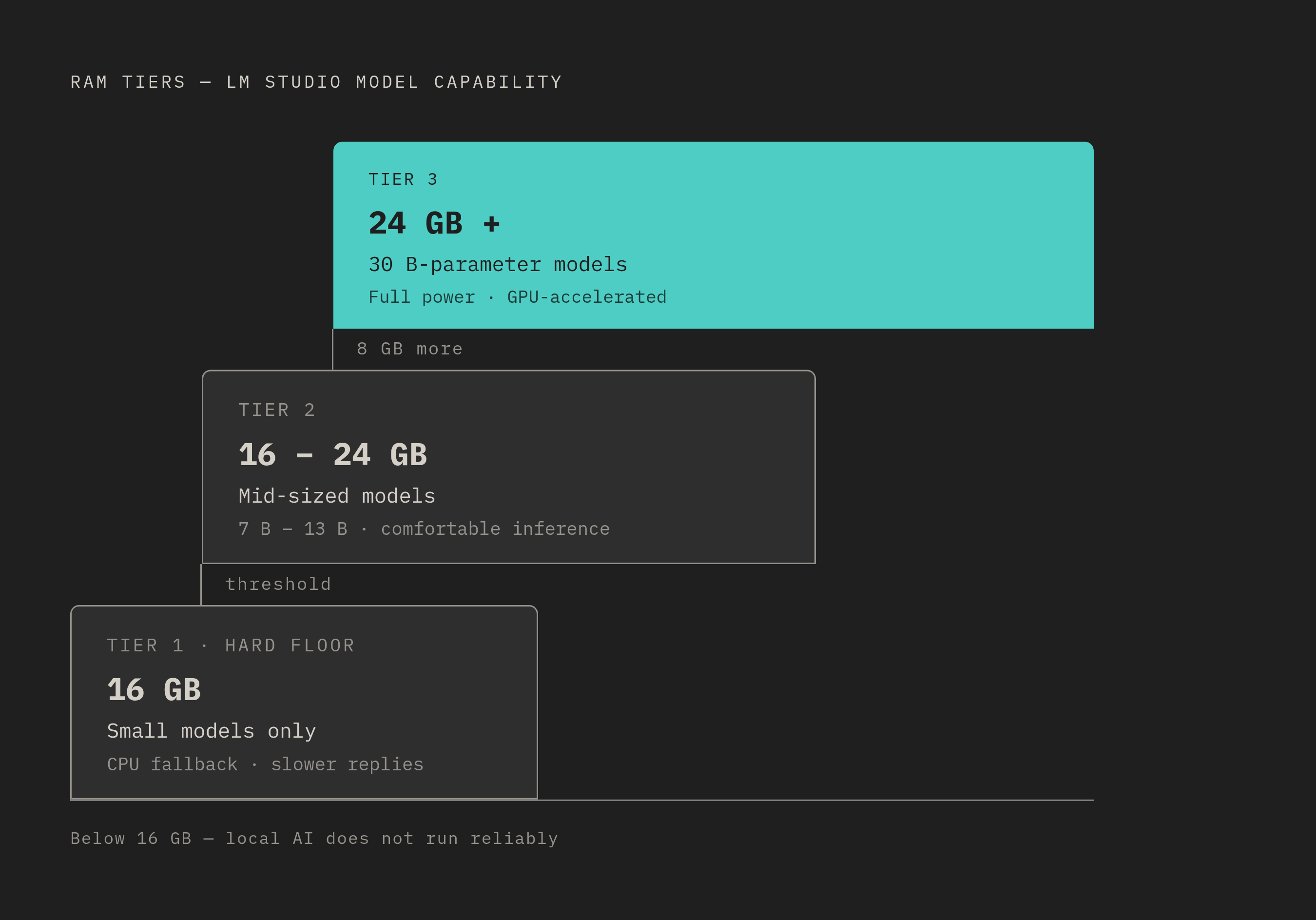
Sixteen gigabytes of RAM and 20 gigabytes of free disk space is the floor. Below that, local AI apps in general don't run reliably, and a phone-based app is the more sensible option instead. Machines with more memory can comfortably handle larger, more capable models, and at 24 gigabytes of RAM or more, a user is in territory built for 30-billion-parameter models and the kind of power use well beyond what a first-time setup calls for.
Mac users need one specific heads-up. The current 0.4.x release line of LM Studio requires Apple Silicon and macOS 14 or later; Intel-based Macs are no longer supported. Anyone running an older MacBook with an Intel chip should check this before spending time on a download that won't run. For machines without a dedicated graphics card, LM Studio still works through CPU-only inference, but it slows down noticeably on larger models. Someone in that position should start with a small model and expect replies to arrive slower than they would from a cloud chatbot. On disk space, model files range from a couple of gigabytes for something small up to tens of gigabytes for the largest options, and the model browser shows that size before anything downloads, so there's no need to guess or commit blind.
None of this is meant as a full spec sheet. It's meant to help a reader place themselves in one of a few simple categories: enough RAM for a small model, enough for a mid-sized one, or enough to not worry about it at all, and to walk into the next step knowing roughly which model fits their machine.
Installing LM Studio and downloading a first model, step by step
Getting from a download link to an actual conversation with a model takes fewer steps than installing most office software, and the hardware guidance above already settles the one part that might otherwise feel uncertain: which model to pick. Installing the app itself is close to instant. Windows users double-click the installer file; Mac users drag the app into the Applications folder. Either way takes about one to two minutes, and nothing needs to be configured during that process.
The first time LM Studio opens, it checks the computer's hardware on its own and sets up acceleration accordingly: Apple Silicon machines get Metal, NVIDIA cards get CUDA, and if no compatible GPU turns up, the app switches to CPU mode. Anyone curious can confirm which mode is active inside Settings, though nothing needs to be touched for it to work.
Choosing a model comes next, and it happens inside the Discover tab, marked with a telescope icon in the left sidebar. From there, the simplest path is to pick a model that matches the hardware tier from the previous section and download the version labeled Q4_K_M. That label refers to quantization, a word that sounds more technical than it needs to be. A quantized model is a compressed version of a larger model, trading a small amount of accuracy for a much smaller file and much lower memory use. Q4 versions are smaller and faster with a slight dip in quality; Q5 and Q6 strike a middle ground; Q8 stays close to full quality but takes up more space. For most people setting this up for the first time, Q4_K_M is the right choice, and it's fine to click it without weighing the alternatives. The browser shows the estimated RAM needed before the download starts, so there's a final check built in before committing to anything.
Once the download bar at the bottom of the window fills in, the model is stored locally and ready to use anytime, even offline. From there, the last step is almost anticlimactic: open the Chat tab, pick the newly downloaded model from the dropdown menu at the top of the screen, type a message, and press Enter. That first reply, generated entirely on the machine in front of the user, with nothing sent anywhere, is the whole point of everything that came before it.
Using LM Studio Once It's Running
Once a model is up and running, the tasks that make the most sense for a non-technical user center on private document work, writing help, and offline question-answering, exactly the areas where paying for a cloud subscription starts to feel unnecessary. Document work is the clearest case: a PDF, TXT, or DOCX file dropped into the chat window gets read and answered on the spot, with nothing leaving the machine. That makes it a real option for legal drafts, medical notes, financial records, or any file that shouldn't be handed to a cloud server.
The same local setup supports ordinary writing tasks: drafting, summarizing, rewriting, proofreading, all running through the same chat window, with no internet connection needed once the model has been downloaded. That offline piece extends further than convenience. A model that's already downloaded keeps working indefinitely with no connection at all, which matters for travel, for air-gapped environments, or for any situation where data simply isn't allowed to leave a local network.
For anyone working with personally identifiable information, or data that falls under rules like HIPAA or GDPR, running inference locally means nothing touches a third-party server at any point. That's a genuine privacy advantage, but it doesn't produce audit logs or offer the kind of vendor agreements a formal compliance program would require. It solves inference privacy. It isn't, on its own, a complete compliance solution.
For plainer, everyday use, the appeal is more straightforward: answering questions, explaining a concept, brainstorming ideas, all the things people already do with cloud chatbots, done here for free, privately, with no rate limits and no subscription. The one place expectations should adjust is complex reasoning. Local open-weight models still fall behind the largest frontier cloud models on genuinely hard reasoning tasks. For most everyday writing and document work, that gap rarely matters. Anyone coming over from a top-tier cloud service should expect a modest step down, especially on smaller hardware running smaller models, and should plan around it.