Connecting Local AI Models to Productivity Tools via API
Local models finally integrate with the tools teams actually use.
Local inference is no longer a hobbyist curiosity. Models that once demanded data-center hardware now run on a consumer GPU or an Apple Silicon Mac, and the tooling around them has caught up fast. Runners like Ollama, LM Studio, and llama.cpp now handle model management, quantization, and hardware allocation on their own, which removed most of the friction that used to keep local models stuck on one machine, disconnected from everything else.
A model answering prompts on localhost isn't doing any work yet; the real work happens in the editors, automation platforms, note-taking apps, and document systems where engineers and product teams actually spend their time. Getting a model from "running" to "integrated" turns out to be an API problem. That's good news, because API problems have specific, repeatable solutions. The rest of this piece lays out what that solution looks like.
Mimicking the OpenAI API contract
Local models plug into productivity tools so easily because of one deliberate design decision made by the people building the runners. Ollama and LocalAI both copy the OpenAI REST API contract: the same endpoints, the same request shapes, the same response formats. Any application already built to talk to OpenAI can talk to a local model instead by changing one line: the base URL.
Ollama exposes a local server that supports chat completions, text generation, embeddings, and full model management, with no authentication required by default. The request you'd send to OpenAI's chat completions endpoint is close enough to the one Ollama accepts that most client libraries work unchanged. LocalAI takes the same approach from a different angle: it's built as a drop-in replacement, exposing the familiar OpenAI endpoints on the outside while routing requests to whatever local backend sits behind it. The client code never finds out the difference.
Why does this matter so much? Think about what integration would cost without it. Every tool that wanted to support local models would need its own SDK path, its own adapter, its own vendor-specific logic. Multiply that across a team's full stack of editors, automation tools, and chat interfaces; the maintenance burden scales with every new tool added. Mimicking an existing contract instead of inventing a new one erases that cost. Years of tooling built against the OpenAI API, across the entire developer ecosystem, becomes available to a local model for the price of a URL change. That's the mechanism behind everything else in this piece.
The three integration layers
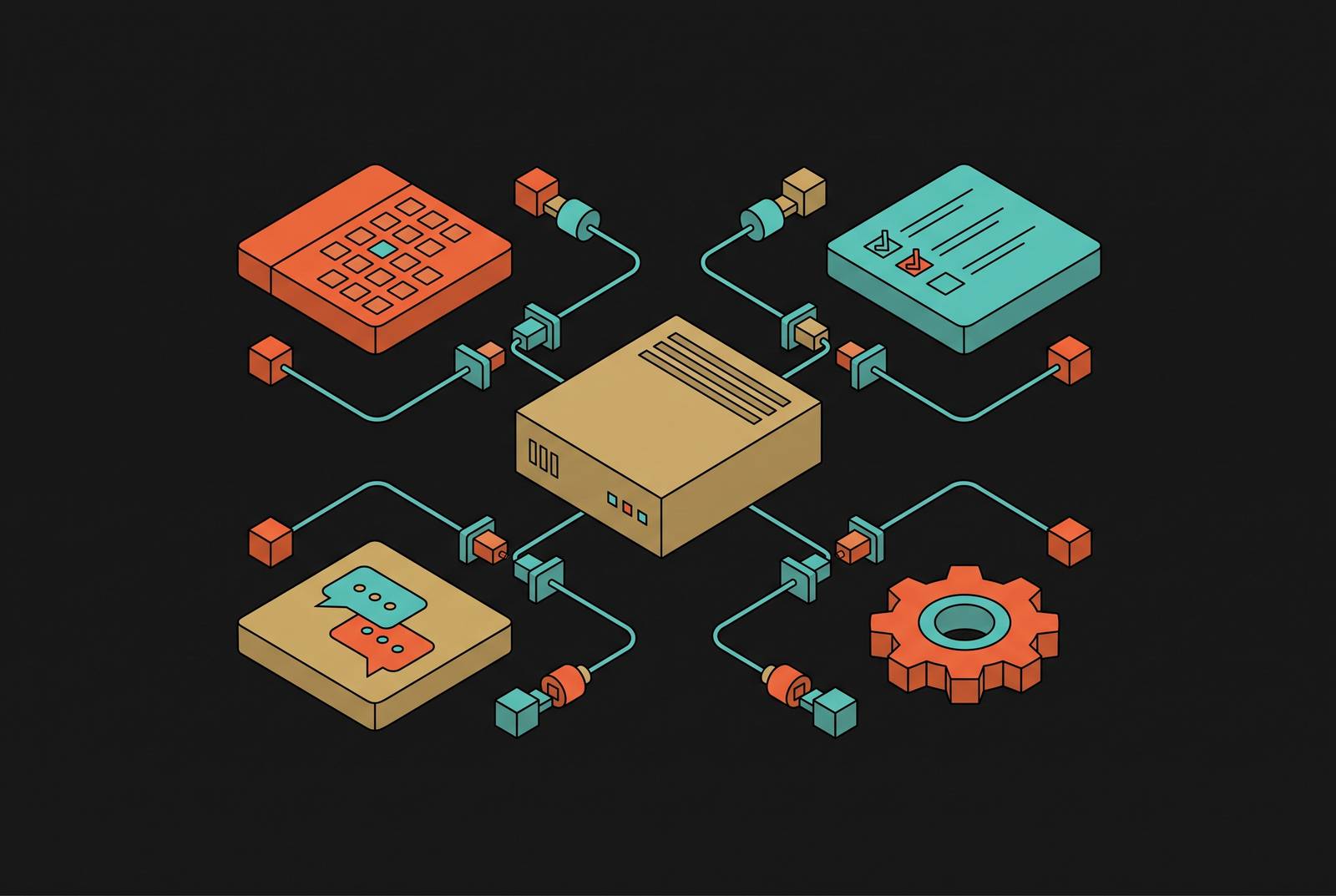
"OpenAI-compatible" sounds like a single feature, but it plays out differently depending on which tool is on the other end of the connection. In practice, local AI integration splits into three layers, and each one connects a different class of software.
Layer 1 is direct API consumption. This covers developer tools that already speak the OpenAI API natively; they connect to Ollama or LocalAI with a base URL change and nothing else. Open WebUI is a clear example: a self-hosted, browser-based chat interface that connects to any OpenAI-compatible API, typically Ollama, giving a team shared access to one local inference backend through an interface that looks and feels familiar. LM Studio sits at this same layer from a different angle. It runs its own local server that speaks the OpenAI API format, which makes it interchangeable with Ollama for any tool that just needs a compliant endpoint to talk to.
Layer 2 handles tunneled endpoints for cloud automation. Platforms like Make and n8n run in the cloud, so they can't reach a model sitting on localhost directly. The fix is a thin API layer sitting in front of the runner, usually a small FastAPI app that forwards prompts to Ollama and returns the response, paired with a tool like ngrok that exposes a public HTTPS URL. The automation platform's HTTP module then posts JSON to that URL like it would to any other API. This is the pattern most teams settle on when they want the model and its data to stay local while letting cloud-based orchestration reach in and use it.
Layer 3 is the Model Context Protocol, or MCP, built for connecting models to data sources rather than to applications. MCP is an open standard for secure, two-way connections between data sources and AI tools. Anthropic introduced it in November 2024, and OpenAI, Google, Microsoft, and Salesforce adopted it after that. In December 2025, Anthropic donated MCP to the Agentic AI Foundation, a directed fund under the Linux Foundation. What makes MCP useful for local setups specifically is that it typically runs locally on the machine, communicating over stdio, standard input and output, rather than over a network. That makes it fast and secure by default, and well suited to connecting a local model to local files without any data leaving the machine. Obsidian shows what this looks like in practice: the Copilot for Obsidian community plugin adds chat over a user's notes, with support for local Ollama backends, so the entire conversation about a person's notes never touches a third party.
Configuration steps that make each layer production-ready
Knowing the three layers exist is one thing. Getting each one running reliably is another, and each layer has its own short list of configuration steps.
For Layer 1, direct API consumption, the setup is close to minimal. Install Ollama, pull a model, and confirm the local server is responding, it accepts requests immediately, with no authentication needed by default. In whatever tool is consuming the model, Continue.dev, Open WebUI, AnythingLLM, or something similar, set the base URL to point at the Ollama endpoint. Model selection and parameter tuning happen inside the consuming tool from there. Ollama picks a quantization automatically when a model is pulled and allocates GPU layers based on whatever VRAM is available, so the configuration surface a developer actually has to touch is narrow. LM Studio users flip a "Developer mode" toggle to turn on the local server, and from that point the API surface looks identical to Ollama's as far as the consuming tool is concerned.
Layer 2, the tunneled endpoint, takes a bit more assembly. Start with a thin wrapper, FastAPI or an equivalent, that accepts a prompt, forwards it to Ollama's local API, and returns the response back out. Run ngrok, or a self-hosted tunnel if that's the preference, to generate a public HTTPS URL pointing at the wrapper's port. Inside Make or n8n, configure an HTTP module to POST JSON to that URL, with a bearer token header set to a value stored in an environment variable on the local machine rather than hardcoded anywhere. Restrict the exposed route to exactly the one endpoint the automation needs. Nothing broader than that.
Layer 3, MCP, configures inside the host application rather than through a separate wrapper. Claude Desktop, Cursor, VS Code, or an equivalent host application lets a user configure the MCP server directly in its settings, and the server itself runs as a local process talking over stdio. In April 2026, OX Security flagged a command injection risk through MCP configuration files, and the mitigations are straightforward: require explicit consent before running any new local server, and run local MCP servers in sandboxes with minimal default privileges. Deployment also got simpler with the July 28, 2026 stateless-core revision to the protocol. Each request now carries its own context. There's no persistent session state to manage between calls.
Where the friction still lives
API compatibility clears out most of the integration work, but it doesn't clear out everything. Three categories of friction appear in production once a team moves past a single developer's laptop.
The first is the security surface the integration layers themselves introduce. Every layer added between a model and the tools consuming it needs to be defended. API keys that aren't scoped, don't expire, and aren't tied to a specific identity aren't a reasonable setup for any production local LLM deployment. A key like that, if compromised, grants full access with no way to tell legitimate use from malicious use after the fact.
The second is Ollama's default posture. The no-authentication default on its local endpoint makes sense for a single developer working alone on one machine. It stops making sense the moment that endpoint is reachable by more than one person or exposed to a network, at which point it needs explicit hardening before going any further.
The third, less a single problem than a pattern, is that every layer in the stack, from the FastAPI wrapper to the ngrok tunnel to the MCP sandbox, needs its own attention to scope and permissions. None of this is a reason to treat local AI integration as impractical. It's a reason to treat it the way any production system gets treated: with a clear list of what needs to be locked down, and a plan for doing it before the system reaches more than one user.
Teams and use cases that benefit most from this integration pattern
The OpenAI-compatible local API pattern isn't equally valuable to everyone. Three groups get the most out of it: regulated-industry teams, development teams running a high volume of inference, and knowledge workers managing sensitive documents.
Regulated industries, healthcare, finance, legal, benefit from a specific regulatory mechanic. Under GDPR Article 28, a cloud AI API provider acting as a data processor requires a Data Processing Agreement. A local LLM removes that requirement entirely, since there's no external processor in the loop. Where the cloud provider in question sits outside the EEA, there's also no Article 46 transfer mechanism to negotiate and no cross-border data flow to account for. Enterprise security guides have started mapping local LLM security controls directly against 2026 regulatory requirements, including EU AI Act enforcement timelines and NIST AI RMF alignment, which gives compliance teams a framework to work from rather than building one from scratch.
Development teams running high volumes of inference get a different kind of payoff. Continue.dev connects a local LLM to VS Code or JetBrains through the OpenAI-compatible API, producing a fully offline coding assistant where the codebase itself is never uploaded anywhere. That removes leak risk and per-token cost at the same time, which matters more as inference volume climbs. The choice of coding assistant pattern tends to map to how a team actually works: autocomplete inside the editor, autonomous agent edits through tools like Cline or OpenHands, or git-native diff edits at the terminal through Aider. All three support Ollama as one of several possible inference backends. For teams serving a model to many concurrent users in production, vLLM is built for throughput over ease of setup, while llama.cpp gives ML engineers who need it maximum control over quantization.
Knowledge workers handling sensitive documents make up the third group. AnythingLLM lets a team drag PDFs, code repositories, and websites into workspaces and query them locally, with multi-user permission management built on top of Ollama or LocalAI as the inference layer underneath. Obsidian, paired with the Copilot community plugin, connects a local Ollama backend to a person's own notes graph, document chat with no third party involved at any point. Open WebUI extends the same idea to a shared team setting: one Ollama backend on the back end, a web interface on the front end, reachable by multiple team members through an ordinary browser.
Choosing between Ollama, LocalAI, LM Studio, and vLLM
The choice between these tools comes down less to which one is better and more to which layer a team is building for. Ollama is the default starting point for most developers: fast to install, OpenAI-compatible out of the box, and well suited to Layer 1 and Layer 2 work. LocalAI earns its place where a team specifically wants a drop-in replacement architecture, routing OpenAI-shaped requests to a variety of local backends without touching client code. LM Studio suits developers who want a local server with a graphical front end, useful anywhere a compliant endpoint is all that's needed and a visual interface helps with day-to-day model management.
vLLM belongs further along the production curve, where the question isn't "does this work on one machine" but "can this serve many concurrent users without falling over." Throughput, not ease of setup, is the deciding factor there. llama.cpp sits at the opposite end, for engineers who want granular control over quantization and are willing to trade convenience for that control.
None of these tools compete head-to-head so much as they answer different questions about scale, control, and who's doing the configuring. The right choice follows from the layer being built and the team doing the building.