Self-Hosted RAG Pipelines for Personal Document Libraries
Privacy and control matter more than convenience when your documents never leave your own server.
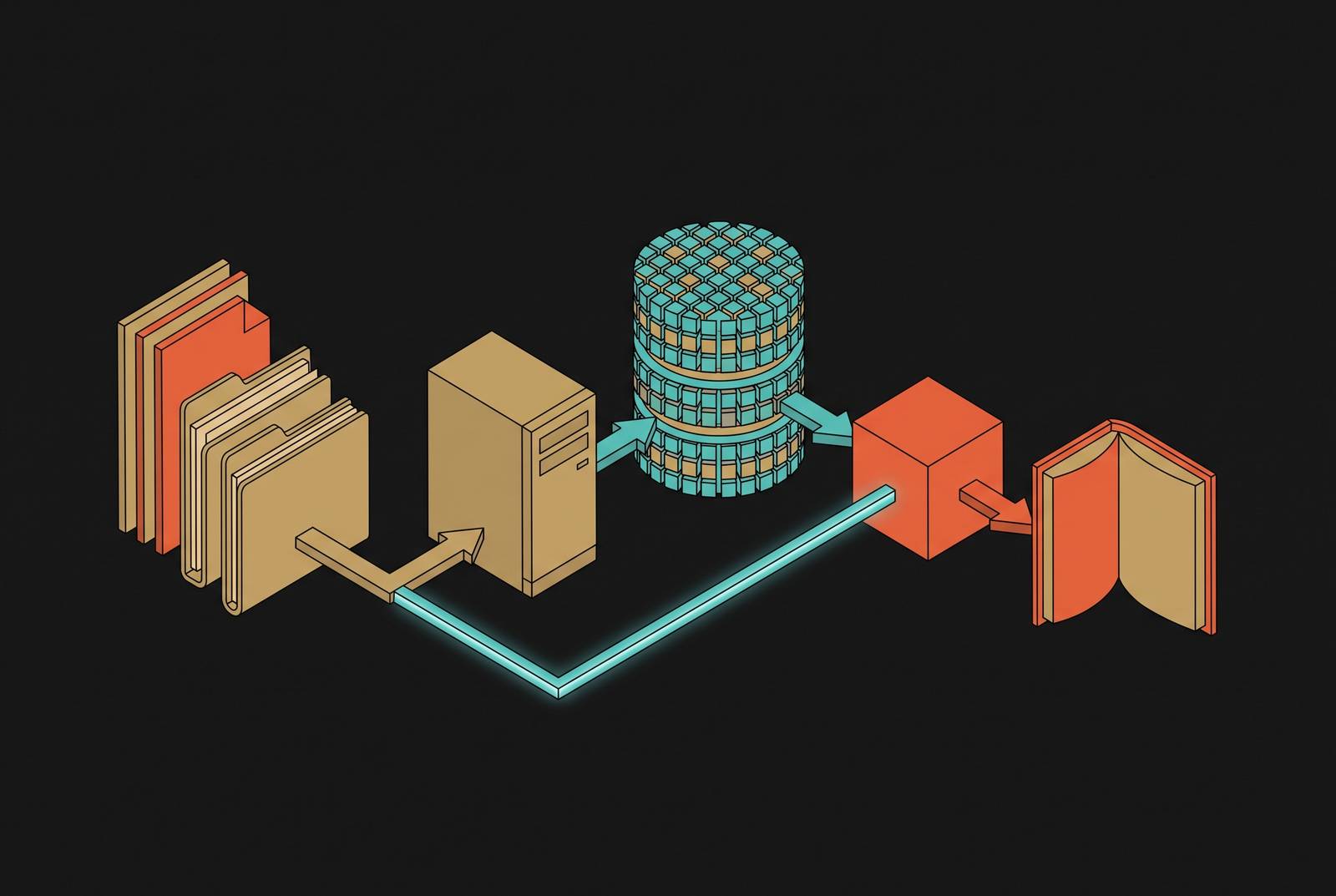
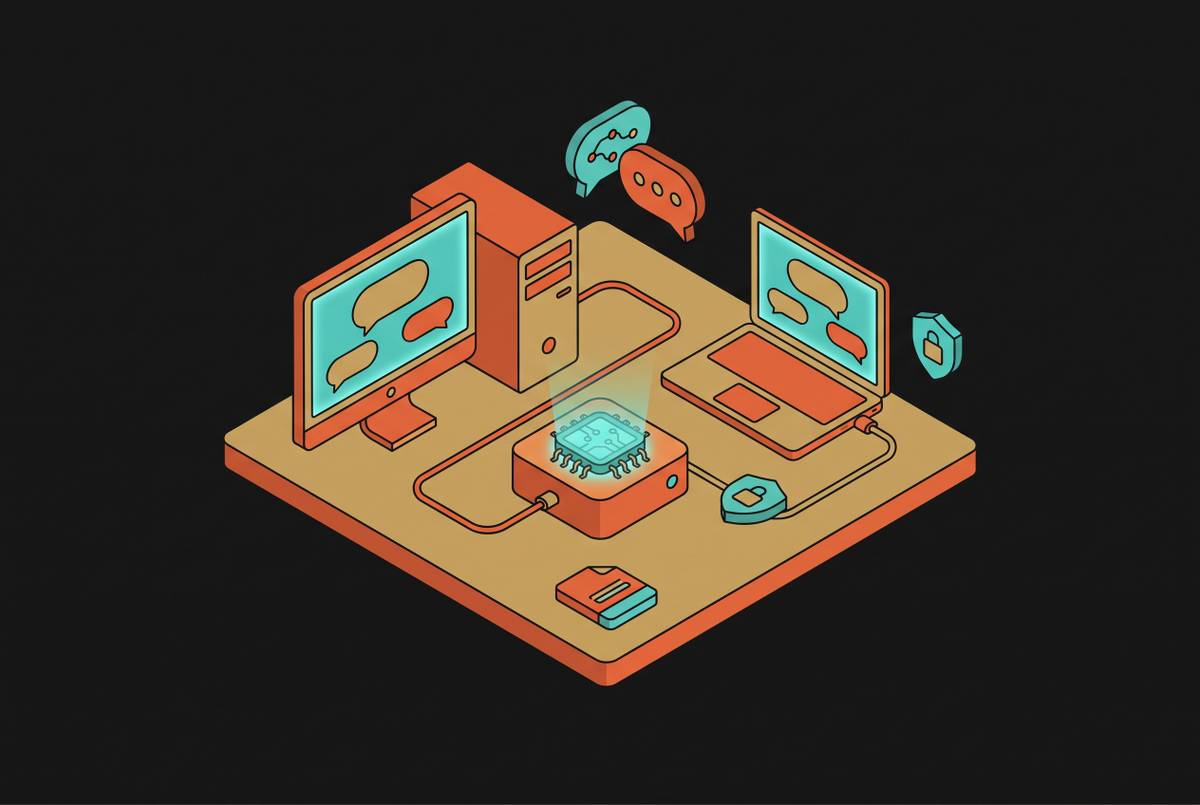
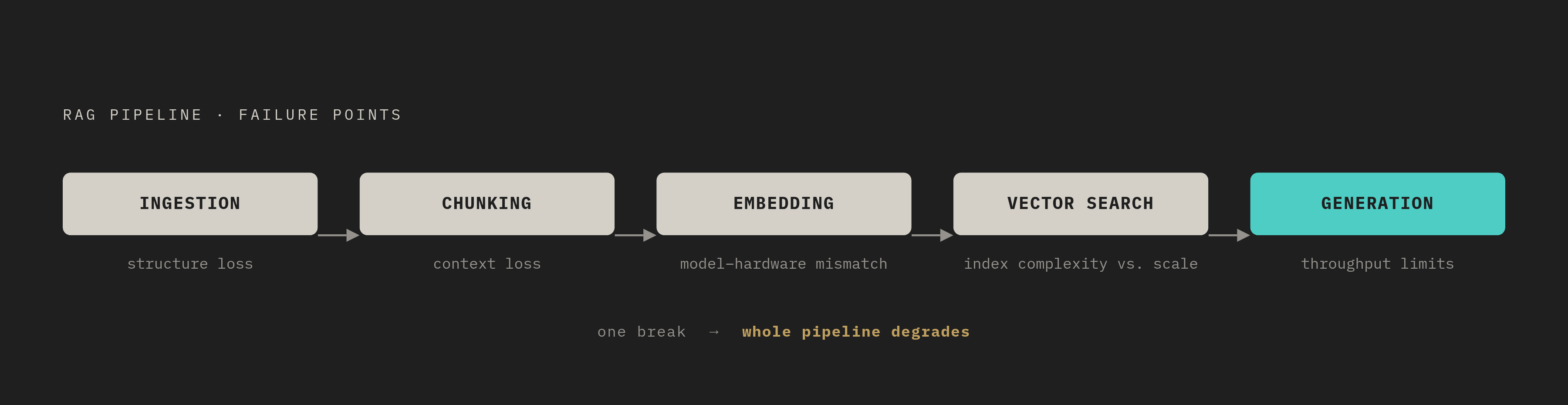
Self-hosted RAG (retrieval-augmented generation) turns a personal document library into a system that can answer questions about its own contents, without sending a single sentence of that content to an outside server. Building one means making five separate architectural decisions: how documents get ingested, how they get cut into chunks, how those chunks get turned into vectors, where those vectors get stored, and which model generates the final answer. Get one layer wrong and the whole pipeline degrades, even if the other four are well chosen.
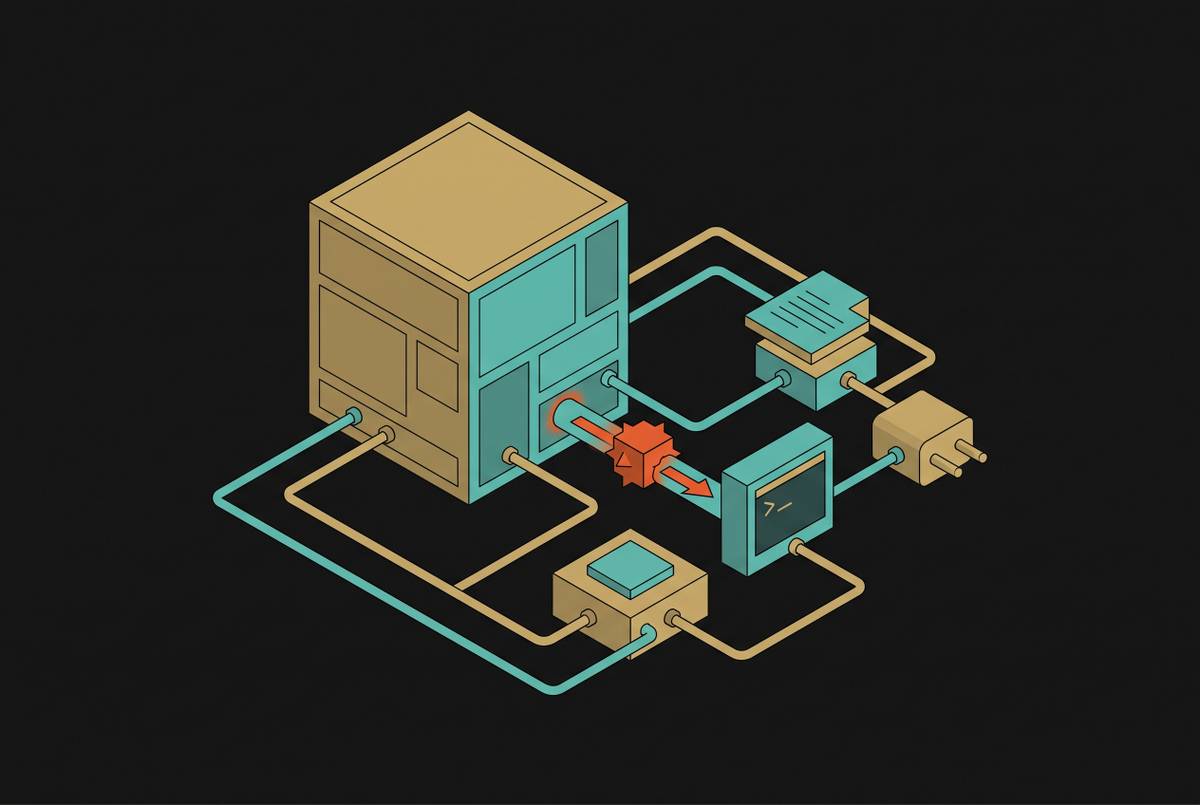
Start with the mechanism, because it explains why the privacy claim is real and not marketing. Every RAG query works the same way: a question comes in, the system retrieves the most relevant chunks of a document, and bundles those chunks into a prompt sent to a language model. If that model lives in the cloud, the retrieved content, potentially a paragraph from a medical record or a client contract, crosses a network boundary every single time someone asks a question. That's not a one-time upload risk. It's a recurring exposure that happens on every query, which is exactly the detail most "run RAG locally" tutorials skip over. Under GDPR, that means the violation can occur at query time, not just when the document was first added to the system.
Data sovereignty is the obvious reason to self-host. But three more follow right behind it, and they matter just as much once the system is actually in use. Model freedom means swapping in a better LLM the week it ships, instead of waiting on a vendor's roadmap or renegotiating a contract. Predictable cost means a fixed server bill instead of per-token pricing that climbs with usage, which matters a great deal once a library gets queried daily. Auditability means the retrieval code, the access-control filtering, and the prompt construction are all readable, not hidden behind an API response.
None of this comes free. Self-hosted RAG asks for comfort with Docker or Kubernetes, a GPU either bought or rented, and ongoing maintenance that a managed API simply absorbs for you. That trade-off deserves to be named upfront rather than discovered three weeks into a deployment. RAG itself is a fast-growing field as of 2025, and that growth cuts both ways: the ecosystem is maturing fast, but the number of tools to choose between is multiplying just as fast. A clear mental model of the five layers matters more now, not less, because the number of plausible wrong choices at each layer keeps growing.
So here's the map: ingestion, chunking, embedding, vector search, generation. Each layer is covered below with concrete choices, not just abstract tradeoffs.
Layer 1: Ingestion, getting documents into the pipeline without losing structure
Personal document libraries are messy by nature. PDFs sit next to Word docs, spreadsheets, presentation slide decks, Markdown notes, Jupyter notebooks, and the occasional HTML export. Each format needs its own parser, and that's before anyone touches chunking or embedding.
Structure loss is the failure mode that quietly wrecks everything downstream. A poorly parsed PDF drops headers, scrambles table cells, or loses a figure caption, and whatever damage happens here gets embedded, indexed, and retrieved just like it was fine. No later layer fixes a chunk that was broken on the way in.
Two parsing strategies are worth telling apart. Text-extraction parsers are fast and lightweight, and they work well on plain-text-heavy material like Markdown files or clean, single-column PDFs. Layout-aware parsers cost more but earn their keep on anything with multi-column layouts, tables, equations, or embedded images. RAGFlow added two such parsers, MinerU and Docling, as of October 2025, specifically to handle documents that text-extraction tools mangle.
Multimodal content needs its own callout. Traditional, text-focused ingestion tends to silently drop images, charts, equations, and tables, treating a document as if it were only ever prose. RAG-Anything, built by HKUDS, takes a different approach: a multi-stage pipeline handles images, tables, and equations through dedicated processing paths rather than treating the document as plain prose. As of June 2026, LightRAG integrates RAG-Anything natively, which matters for anyone whose library includes scanned scientific papers or financial reports full of charts.
Source connectors decide how much manual work the system demands going forward. For a personal library, the sources that come up again and again are local files, Google Drive, Notion, GitHub, Confluence, and S3. Coverage varies a lot between frameworks and platforms, and this matters more than it sounds: re-ingesting a document by hand every time it changes is not something anyone keeps up with past the first month.
PII handling belongs at this layer too, not bolted on later. OpenDocuments, for instance, applies PII redaction before any content reaches a cloud LLM. That's a useful pattern to borrow even outside that specific tool: ingestion is the natural checkpoint for sanitizing sensitive fields, because it's the one place every document passes through exactly once.
For a practical starting point, support for PDF, DOCX, XLSX, PPTX, Markdown, and CSV covers the overwhelming majority of personal libraries. Before committing to a full stack, test the parser against the single most complex document type in the collection, not the easiest one. That's the document that will reveal whether the parser is actually layout-aware or just claims to be.
Layer 2: Chunking, the retrieval unit problem that most tutorials treat as an afterthought
The chunk is the unit of retrieval. Everything the system knows about a document, for the purpose of answering a question, comes down to whichever chunks get pulled back at query time. Make chunks too large, and retrieval drags in noise alongside the answer. Make them too small, and a chunk loses the surrounding context that gave it meaning in the first place. The right size depends on the document type, not on a rule of thumb that gets copied from one tutorial to the next.
Fixed-size token chunking is the default in most walkthroughs, and it's easy to see why: it's fast, simple, and requires no understanding of the document's structure. The tradeoff is that it splits mid-sentence and mid-concept without noticing or caring. For a highly uniform corpus, that's tolerable. For a personal library mixing meeting notes, contracts, and technical PDFs, it starts to show.
Semantic or structure-preserving chunking splits at sentence, paragraph, or section boundaries instead of at a fixed token count. It performs better across mixed-format libraries, which is precisely why OpenDocuments moved to structure-preserving chunking as part of a broader retrieval accuracy overhaul.
A handful of techniques go further than simple splitting, and each solves a different problem:
Parent-document recall embeds small chunks for precise matching, but retrieves the larger parent passage at query time, so the model gets context beyond just the matched sentence. OpenDocuments uses this approach. HyDE (Hypothetical Document Embeddings) generates a hypothetical answer to the question first, then embeds that hypothetical answer for retrieval. It helps when the way someone phrases a question doesn't resemble the way the document phrases its answer, which happens more often than most people expect. Contextual prefixes attach document-level context to each chunk before it gets embedded, so no chunk floats around context-free. This was also part of OpenDocuments' accuracy overhaul. Proposition augmentation breaks chunks down into atomic factual claims, giving retrieval a finer grain to work with.
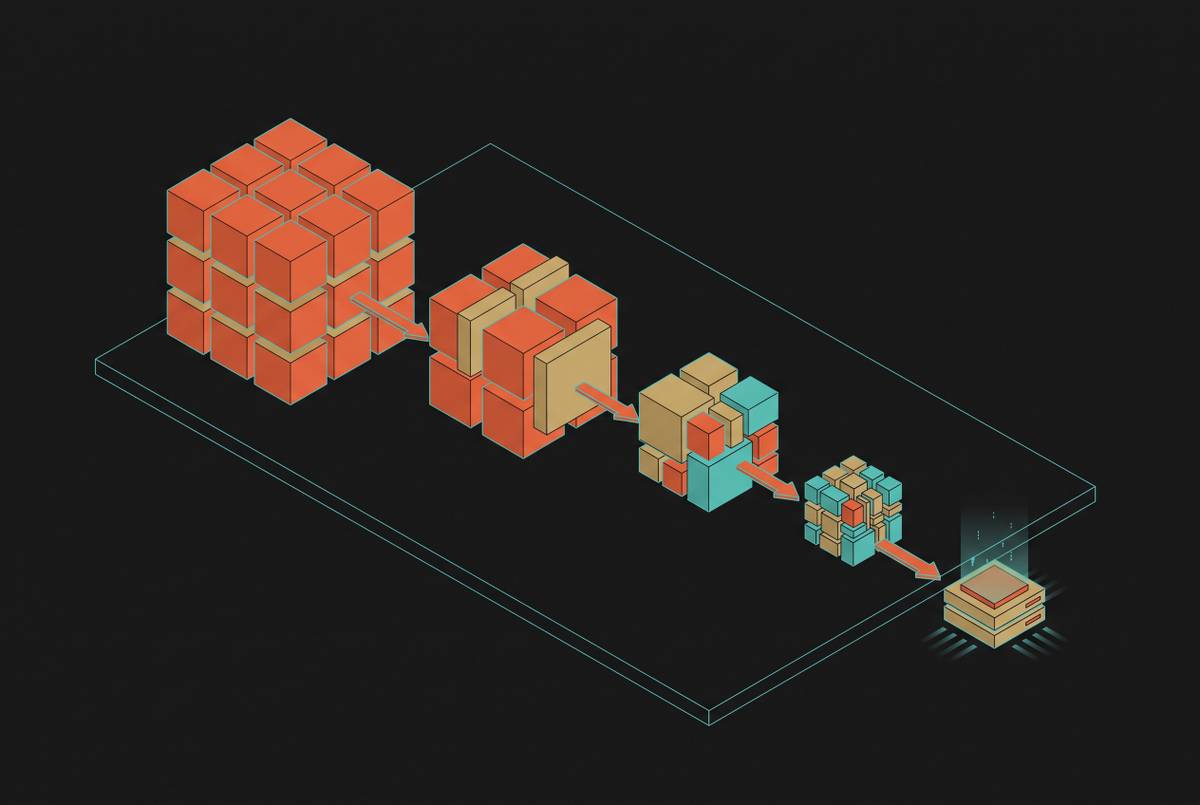
Chunk size and embedding model choice aren't independent decisions, and treating them that way is a common mistake. all-MiniLM-L6-v2 is a compact model suited to modest hardware but has limited capacity for long passages. bge-m3 supports an 8K context window and embeds far longer passages without losing coherence. Pick chunk size and embedding model together, or the mismatch shows up later as degraded retrieval that's hard to trace back to its source.
A small overlap between adjacent chunks, just enough token overlap to keep a key sentence from getting severed at a boundary, is a sensible default for most document types. It's a cheap fix for a real problem.
A chunking mistake sits upstream of embedding and retrieval both. No amount of vector database tuning recovers precision that was already lost when the document got cut into the wrong pieces.
Layer 3: Embedding, picking a local model that matches your hardware, language, and content type
Embedding models turn a chunk of text into a dense vector, a long list of numbers, such that chunks with similar meaning land close together in that vector space. That's what makes retrieval possible by meaning instead of by exact keyword match. Someone can ask "how do I cancel a subscription" and retrieve a chunk that says "terminating your plan," even though the words barely overlap.
For local deployment in 2026, four models cover most personal-library use cases:
nomic-embed-text is the easiest local starting point. It pulls through Ollama, runs in roughly 0.3 GB, and works well as a default for English-heavy libraries on modest hardware. Qwen3-Embedding-0.6B, released June 2025, performs competitively on multilingual benchmarks, carries an Apache 2.0 license, and runs natively in Ollama. It offers strong quality relative to the VRAM it needs, and an 8B variant is available if a bigger GPU is on hand. bge-m3 is MIT licensed, supports a long context window, covers more than 100 languages, and produces both dense and sparse vectors natively, which enables hybrid retrieval without standing up a separate keyword index. It's the right pick for multilingual libraries. all-MiniLM-L6-v2 runs at roughly 0.1 GB and works fine on a regular processor alone, which makes it a reasonable choice for constrained hardware or quick prototyping.
Watch the license before anything else. NV-Embed-v2 and jina-embeddings-v3 are well-regarded models, but both carry CC-BY-NC licenses, meaning they're off-limits for anything commercial. Always check the license before deploying, not after.
For anyone scaling past a single user, wrapping the embedding model in something like text-embeddings-inference (TEI) or Baseten's BEI adds batched, low-latency inference that a raw Ollama setup wasn't built to handle.
Bge-m3's ability to produce dense and sparse vectors in one pass has a direct bearing on which vector store makes sense, since the two decisions aren't really separate. For most personal setups, starting with nomic-embed-text or Qwen3-Embedding-0.6B is the practical move, upgrading to bge-m3 only once multilingual coverage or long-passage embedding is a genuine requirement rather than a nice-to-have.
Layer 4: Vector stores, what the benchmark numbers actually mean for a personal library
A July 2026 benchmark from published comparisons tested seven open-source, self-hosted vector databases against a 2.25 million-vector corpus, using bge-m3 embeddings and real medical and technical queries. It measured accuracy, speed, memory use, filtered search, hybrid search, and the cost of building the index. The results are useful, but only if the numbers get read in proportion to what a personal library actually needs.
Performance profiles differ meaningfully across these databases, with throughput and memory efficiency varying widely depending on index type and workload.
But how much of that spread matters for someone indexing a few thousand personal documents? Not much. A personal library will rarely get anywhere near 2.25 million vectors, and query volume from a single user stays low no matter what. What actually matters at that scale is how easy the thing is to set up, whether it supports hybrid search, and how much memory it eats sitting idle.
Hybrid search is the feature that separates a keyword-first tool from a meaning-first one, and it's worth understanding which databases handle it natively. Qdrant, Milvus, Weaviate, and LanceDB all fuse dense and keyword search out of the box. pgvector has no native fusion API for hybrid search, which can become a real bottleneck if metadata filtering matters. Chroma, in its self-hosted form, now supports ranked keyword search through a built-in BM25 sparse embedding function that runs locally, though the unified hybrid Search() API, the one that combines dense and sparse retrieval with RRF fusion in a single call, currently lives only in Chroma Cloud.
Memory footprint at scale tells its own story. Milvus stays leanest because it offloads its index to disk instead of holding everything in RAM, while other all-RAM graph-based engines grow fastest as the corpus grows. That distinction only bites once a library scales into many large documents, so it's worth knowing about even if it doesn't apply on day one.
Chroma deserves a specific mention for prototyping. Its 2025 Rust rewrite delivered roughly 4x faster writes and queries over the original Python version, and performance holds up reasonably well until the corpus crosses a certain scale, past which it degrades noticeably. That makes it a fine starting point for a personal library and a poor long-term home for a large one.
Qdrant earns its place when queries need to filter by metadata, document type, date, source, alongside semantic similarity. That combination of native hybrid search and deployment flexibility makes it a strong default for filtering-heavy retrieval.
For anyone already running PostgreSQL, pgvectorscale is worth a look: it reaches 471 queries per second at 99% recall on a 50-million-vector corpus. ORM support isn't fully there yet in some popular tools. Prisma, as of late 2025, doesn't fully support pgvector without workarounds, which matters if the setup involves multiple tenants sharing one database.
OpenDocuments takes a different route entirely: SQLite for metadata, LanceDB for vectors, a lightweight, file-based stack with no separate database server to run. It's a good illustration of a broader point: the right vector store for a personal library is often just the one that gets out of the way. For anything under a million vectors, prioritize hybrid search and ease of operation over raw throughput. Qdrant or LanceDB cover most personal cases; Milvus earns its complexity only once memory limits at real scale become a real problem, not a hypothetical one.
Layer 5: Generation, choosing and serving a local LLM that fits the hardware you actually have
The inference engine sitting behind the model decides throughput, latency, how much of the GPU actually gets used, and how painful the next model upgrade turns out to be. Getting this choice wrong doesn't show up immediately, it shows up the first time query volume climbs.
Ollama is the right tool for a single person or a small team, and it's worth being honest about where that stops being true. Push it past a handful of concurrent users and latency starts to slip. It's a convenience layer built for getting started fast, not a production inference server, and treating it as one past that point invites frustration.
vLLM solves a different problem. It uses optimized memory management techniques that reduce GPU memory fragmentation significantly under concurrent load. It also exposes an OpenAI-compatible API, so migrating off a cloud LLM often means changing just the base_url and api_key in whatever framework is calling it, LlamaIndex included. On an H100, running in fp8 instead of fp16 cuts memory use by roughly 40% with minimal loss in output quality, which matters a lot when GPU memory is the scarce resource.
A handful of other engines round out the field: SGLang, LM Studio, llama.cpp, and TGI, each trading off differently on hardware support, quantization options, and API compatibility. None of them is universally correct; the right one depends on what hardware is already sitting in the rack or under the desk.
On model choice, most factual Q&A, document summarization, and procedure lookups run comfortably at smaller parameter ranges on consumer hardware, with acceptable latency for interactive use. That's the range worth starting from before reaching for anything bigger.
A few models stand out for specific situations. Mistral Small is a strong option for moderate-volume workloads, particularly where multilingual coverage matters: its quality on a set of non-English languages is stronger relative to its size, and its extended context window genuinely helps in long-document RAG, where fitting more retrieved chunks into the prompt without truncating them actually changes the quality of the answer. Qwen 2.5 72B, from Alibaba and released under Apache 2.0, is competitive with Llama 3 70B across reasoning and coding tasks, and covers East Asian languages more strongly, worth knowing if a library mixes English with Chinese, Japanese, or Korean documents.
Llama 4's 10-million-token context window raised a fair question: does RAG still matter once a model can hold that much text at once? For self-hosted, personal-scale setups, the answer holds up as yes. Models built for context windows that large don't run on consumer GPUs, and RAG's advantage, retrieving the right handful of chunks instead of stuffing an entire library into the prompt, stays real at the hardware most people actually have.
On the hardware itself: a CPU-only baseline of 4 cores, 16 GB of RAM, and 50 GB of disk runs small quantized models, slowly but functionally. GPU acceleration changes the picture considerably: 20 GB or more of VRAM opens the door to 70B-parameter models, and Apple Silicon with 24 GB or more of unified memory is a genuinely workable consumer option for mid-size models.
Open-weight models have closed most of the quality gap with closed, frontier models on enterprise-style tasks. For document Q&A specifically, the generation layer no longer needs a cloud API to be competitive.
Orchestration frameworks and ready-to-run platforms: assembling the five layers without starting from scratch
Two tiers exist here, and confusing them leads to wasted setup time. Frameworks are libraries: pieces get composed into an app, glue code gets written, and the integration between layers is owned entirely by whoever builds it. Platforms are finished systems, complete with a UI, built-in connectors, and deployment tooling already worked out. Platforms get someone running faster; frameworks give more control over exactly how each layer behaves.
On the framework side, one option is similar in spirit to another popular library but distinct in practice, and broad ecosystems bring flexibility at the cost of a steeper setup, with version churn historically a real complaint among people building on top of large, fast-moving libraries. The tradeoff is consistent across this category: more flexibility to wire the five layers exactly as described above, at the cost of doing that wiring by hand.
Ready-to-run platforms take the opposite bet. RAGFlow, mentioned earlier for its layout-aware PDF parsing, and OpenDocuments, referenced throughout for its chunking and vector-store choices, both fall into this category: opinionated systems with the five layers already assembled, ready to point at a folder of documents. The tradeoff runs the other direction: faster to get a working pipeline in front of actual documents, less room to swap out, say, the embedding model without working against the platform's own defaults.
Neither tier is the correct answer in the abstract. A framework makes sense once the specific mix of parser, chunker, embedding model, and vector store is already decided by the requirements laid out above. A platform makes sense when the goal is a working personal library by this weekend, with room to graduate to a framework-based setup once the shape of the actual document collection, and its actual failure modes, becomes clear.