Setting Up a Local AI Server on a Home Network
Data privacy and cost savings drive the shift from cloud AI to self-hosted hardware.
Setting Up a Local AI Server on a Home Network.
Local AI servers as a practical infrastructure decision in 2026
Open-weight models now handle a large slice of everyday work, and consumer hardware is cheaper than ever on the used market, which is why a home AI server stopped being a hobbyist toy and started being a real option. Three concrete motivations, not ideology, drive most builds. Data residency comes first: prompts, documents, and model weights stay on hardware someone actually owns, and nothing leaves the building. Cost shape comes second, and it's a real number, not a vibe: pay once for hardware, then pay a predictable electricity bill, instead of a per-token charge that climbs with usage. A solo developer spending heavily on cloud API calls could break even on a local GPU setup in roughly 7 months, and after that, inference is effectively free digitalapplied.com.
Control rounds out the list. No rate limits, no model getting deprecated out from under a project, no surprise change to a usage policy mid-build. Then there's the regulatory angle, which used to be background noise and now isn't: the EU AI Act's general-purpose AI provisions became enforceable in August 2025, with the high-risk system rules following in December 2027 for standalone systems and August 2028 for product-embedded ones, after the EU's Digital Omnibus pushed back the original August 2026 date digitalapplied.com gist.github.com. Data residency, in other words, has turned into a compliance question that appears in actual audits, not just a preference stated in a blog post digitalapplied.com gist.github.com.
None of this means a local model beats a frontier hosted one. It doesn't, and pretending otherwise sets a build up to disappoint. What a local model buys is control and cost predictability, in exchange for taking on the operational work: choosing hardware that fits, keeping a software stack alive, and setting up access that doesn't leak. That's the actual shape of the decision, and it breaks into three layers that have to be solved in order. Hardware has to fit the model in memory, a software stack has to keep inference running without babysitting, and remote access has to be secure. Skip the order and the whole thing tends to end up half-finished in a closet.
What a home AI server is
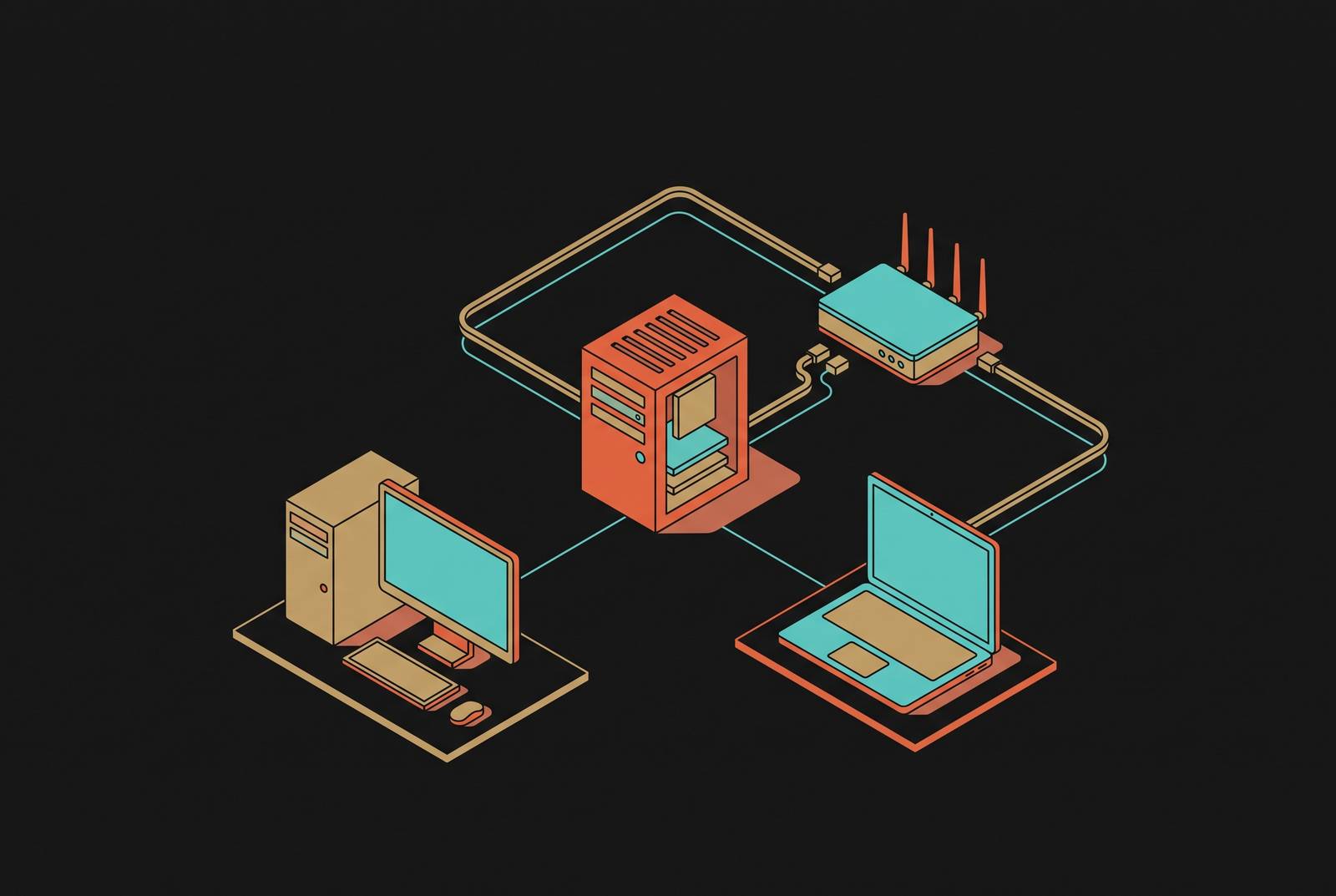
A home AI server is a dedicated machine running models on its own hardware, all day, every day, serving every device on the network instead of tying up one laptop that goes idle the moment it's closed. Think of it less like a fancy chatbot and more like a household appliance. It sits somewhere, stays on, and answers requests from a phone, a tablet, a laptop, or even smart-home hardware, without a subscription and without a single byte leaving the network.
What can it actually do? More than most people expect. Text generation and writing help, sure, but also code completion and review, private document search over files that never touch a cloud drive, and multimodal work like image understanding or generation depending on which model gets loaded. Add embedding models for local retrieval, small automation pipelines, and a voice assistant that runs in dozens of languages. Tie it into Home Assistant or an MQTT broker, and the same machine that drafts an email can also flip a light switch or read a sensor feed. Scheduled jobs can run in the background around the clock, checking prices, monitoring a site, whatever gets scripted.
The task matters less than where the computation happens. That's the real dividing line: local versus cloud isn't a matter of loyalty to one side, it's architecture. For most people, the sane answer is a hybrid one. Local for anything private, repetitive, or sensitive. Cloud for the rare moment that actually needs frontier-level reasoning or a massive context window a home GPU can't touch digitalapplied.com. Treating it as an all-or-nothing choice usually means overbuilding the home server or underusing the cloud account sitting idle next to it.
How to calculate VRAM fit before buying hardware
A model's weights have to fit inside GPU VRAM, or unified memory, to run at full speed. Spill over into system RAM, and inference slows dramatically. So before anyone buys a card, the math has to come first.
A workable rule of thumb: budget roughly half a gigabyte to a gigabyte of VRAM for every billion parameters in a quantized model, with the exact number depending on quantization level. Which quantization? Q4_K_M has become the practical default, because it hits the best balance of output quality, memory footprint, and speed for the hardware most people actually own. A 32B model needs roughly 22 to 24 GB. A 70B model needs 38 to 48 GB, which puts it out of reach of any single 32 GB card on the market. Quantization isn't a free lunch. Shrinking a model to fit smaller memory trims some of its quality along with it, and that tradeoff is the price of admission, not a rounding error.
VRAM isn't the whole story, either. System RAM decides how much context a model can hold at once, meaning conversation history and document text, and 64 GB is a sensible floor for anyone building something meant to be used seriously rather than just tested once digitalapplied.com. Then there's memory bandwidth, which rarely appears in a spec sheet comparison but matters just as much as raw capacity: how fast a GPU shuttles data between memory and its compute cores directly affects tokens per second in practice. Two cards with identical VRAM can produce noticeably different real-world speed https://www.digitalapplied.com/blog/home-ai-server-build-self-hosted-llm-2026-guide. So the honest way to shop is to work backward from the model size a project actually needs, run the VRAM math, then check bandwidth, rather than buying the biggest number on a box and hoping. A 7B–8B model at Q4_K_M fits in 4–5 GB of VRAM.
Hardware tiers from entry-level to high-end, with the tradeoffs that matter at each level
Picking between them is really a question of what tradeoff a household can live with.
It's a Blackwell card (RTX 5060 Ti 16GB, approximately $500) with FP4 support, handles 14B models comfortably at Q8, and offers better efficiency than its 40-series predecessors digitalapplied.com gist.github.com. A used NVIDIA RTX 3090 runs 32B-class models at Q4_K_M and generates around 50 tokens per second on a 7B model, offering the same VRAM as a new RTX 4090 at a fraction of the price digitalapplied.com gist.github.com. Pair it with 64 GB of system RAM and a 2 TB NVMe drive, and that's a genuinely capable machine digitalapplied.com gist.github.com.
The RTX 5090 (32 GB) tops out near 32B at Q4_K_M, though, and simply can't fit a 70B model no matter how it's configured digitalapplied.com gist.github.com. ROCm support has gotten better, but NVIDIA still dominates the ecosystem, and most tools are built and tested against CUDA first, which means AMD hardware tends to mean more setup friction, not less.
Apple Silicon offers a genuinely different shape of tradeoff digitalapplied.com gist.github.com. Unified memory means system RAM doubles as model memory, so there's no discrete VRAM number capping what fits. A Mac Studio with an M4 Max and 128 GB handles 70B models comfortably, starts around $1,999, and draws roughly 145 watts or more at full load digitalapplied.com. Go up to 192 GB of unified memory, and a 70B-parameter model fits in full precision with no quantization needed at all digitalapplied.com. And there's a quieter benefit that's easy to undervalue until it's living in a hallway closet: no discrete GPU fan noise, no heat dump into the room.
One country Founders Edition lists at $4,699 after a February 2026 price bump tied to memory-supply constraints digitalapplied.com gist.github.com. It's compact, Linux-based, packs 128 GB of coherent unified memory and a full petaFLOP of AI compute, and can run models as large as 200 billion parameters entirely offline digitalapplied.com gist.github.com. But the value case isn't settled: AMD's Strix Halo system, priced around $2,348, gets comparable inference performance under FP8 or FP16, which makes the Spark's premium a genuinely open question rather than a foregone conclusion digitalapplied.com.
The supporting parts affect stability and performance as much as the core hardware does. System RAM at 64 GB minimum, 128 GB if the budget allows digitalapplied.com. An NVMe SSD, ideally 2 TB or larger, since model files run from a few gigabytes into the tens of gigabytes each, and slow storage turns switching models into a genuine wait digitalapplied.com. A power supply rated 850 watts or higher, so the GPU and the rest of the system aren't fighting over headroom digitalapplied.com gist.github.com. The same AI buildout that produced today's large open-weight models also pushed Samsung, SK Hynix, and Micron to redirect manufacturing capacity toward HBM chips, which has sent DRAM contract prices up 90 to 95% quarter over quarter and NAND and SSD prices up 246% year over year digitalapplied.com. Any price mentioned here is a snapshot, not a promise, and component costs at the time of an actual purchase may look nothing like the numbers above digitalapplied.com.
Two smaller paths deserve a mention for people who don't want a full build digitalapplied.com gist.github.com. ClawBox, at €549, is a plug-in device with 67 TOPS of compute, 8 GB of LPDDR5, 512 GB of NVMe storage, and a 20-watt power draw, set up through a browser wizard in about five minutes gist.github.com. It trades configurability for simplicity, which is exactly the right call for someone who wants a working assistant and nothing to tinker with. It takes significantly more setup time, but it's relevant for embedded or always-on edge use cases digitalapplied.com gist.github.com. NVIDIA GPU tiers:. Professional 70B tier: RTX 6000 Ada (48 GB GDDR6) fits a 70B model in a single card, street price $6,000–$10,000 (relevant for teams or serious labs, not typical home builders) digitalapplied.com. Apple Silicon path:. Mac mini M4 Pro with 64 GB unified memory runs 32B models comfortably; estimated full-load system draw of roughly 65–140 W (per Apple's official spec; LLM inference draw is lower but still well above 40 W); starting around $1,599 digitalapplied.com gist.github.com. Turnkey high-end option: NVIDIA DGX Spark. Renamed from Project DIGITS in March 2025; began shipping October 2025 digitalapplied.com gist.github.com. Partner versions available: Acer Veriton GN100, ASUS Ascent GX10, Dell Pro Max GB10, GIGABYTE AI TOP ATOM, HP ZGX Nano AI Station, Lenovo ThinkStation PGX, MSI EdgeXpert MS-C931 digitalapplied.com.
Operating system, drivers, and the setup steps most guides skip
Ubuntu 26.04 LTS is the sensible default operating system for a home AI server, since it has native support for NVIDIA drivers, Docker, and most of the AI tooling that gets built around it. A minimal install keeps things lean, and lean matters on a machine meant to run unattended for months.
The step most guides gloss over is the driver install, and it's the single most common reason a home AI server setup fails outright. An incorrect or missing NVIDIA driver doesn't always throw an error digitalapplied.com gist.github.com. The fix is simple but easy to skip: run nvidia-smi after installing drivers and confirm the GPU actually shows up before assuming anything works digitalapplied.com gist.github.com. Before any of that, check Secure Boot in the BIOS. Left enabled, it can block the NVIDIA driver from loading at all, so it needs to be turned off first.
Once the driver's confirmed working, install the CUDA Toolkit, since most AI frameworks depend on it. Then set up Docker along with the NVIDIA Container Toolkit. Docker makes deploying model servers far easier and keeps the base system clean, and the Container Toolkit is what lets a Docker container actually reach the GPU. Verify with a test container before moving on to model serving, since the NVIDIA Container Toolkit is what lets Docker containers access GPU resources.
Windows and macOS can run models too, and plenty of people do exactly that. But for a machine meant to stay on as a long-lived server, a Linux-based OS is still the most stable foundation. Apple Silicon users mostly skip this whole headache digitalapplied.com gist.github.com. Unified memory is managed by the OS itself, so a lot of the driver complexity simply isn't there, and setup friction drops by design rather than by effort.
Choosing between Ollama and LM Studio as the model-serving layer
Once the hardware and OS are sorted, the next decision is which tool actually loads and serves the model.
Ollama has become the default command-line tool for running local LLMs, and it's easy to see why. It builds on llama.cpp as its inference backend and wraps it in a single-command interface that handles model pulling, quantization choice, and GPU offloading automatically, without asking the user to think about any of it. Out of the box, it exposes an OpenAI-compatible REST API at http://localhost:11434/v1. It supports over 100 models and runs as a background service, with native apps for Mac, Windows, and Linux digitalapplied.com. It's built to behave like infrastructure rather than a chat window: start the server, hit the endpoint, get a completion back. It runs fine in Docker and on remote machines, and because there's no GUI eating memory, it's more efficient than LM Studio in that respect. It fits developers who are comfortable with terminal workflows, automated pipelines, Docker deployments, CI jobs, or agent loops.
LM Studio takes the opposite approach and leans into being visual digitalapplied.com. It gives a model browser, one-click downloads straight from Hugging Face, a built-in chat window for testing, and a local server mode, all through a proper desktop app. It exposes its own OpenAI-compatible API on port 1234 by default. Despite being closed-source, it's free to download and use, including for commercial and workplace projects, and as of September 2026 there's no paid tier required for standard use, though an optional Enterprise or Teams tier and a pay-as-you-go cloud inference option called Bionic exist for anyone who wants them digitalapplied.com gist.github.com. It needs an active display session to run, so it isn't built for a headless server tucked away in a closet. The desktop app itself adds roughly 200 to 400 MB of overhead on top of whatever the model needs, and a 7B model at Q4_K_M still needs 4 to 5 GB of RAM no matter which tool loads it digitalapplied.com gist.github.com. LM Studio suits someone who wants to browse, download, chat, and compare models without touching a command line digitalapplied.com.
LM Studio is for exploring and testing with a GUI in front of you, Ollama for headless deployments, scripts, Docker, and anything meant to behave like a real API endpoint. Neither is the wrong answer; they're built for different moments in the same workflow.
What makes either choice matter beyond a single machine is the OpenAI-compatible API both of them expose. Any tool built to talk to OpenAI's API can be pointed at a local address instead, no code changes required. Continue.dev, Open WebUI, Cursor through a proxy, and thousands of other apps that accept a custom base URL all just work. That single compatibility layer is what turns a local server from a weekend experiment into something that functions like real infrastructure, plugged into tools someone already uses every day.
There's a ceiling to Ollama's concurrency, though, controlled by a setting called OLLAMA_NUM_PARALLEL, and heavy multi-user setups can run past what it comfortably handles. That's the point to reach for vLLM instead. For a single household running one or two models, Ollama or LM Studio covers it digitalapplied.com gist.github.com. For anything closer to serving a small team, vLLM is the tool built for the strain. LM Studio:. vLLM (stable release v0.28.0, released August 26, 2026) uses PagedAttention for better throughput; supports multi-GPU tensor parallelism; open-source under Apache. SOURCE PAGES (what the pages behind the outline's links say).