Note-Taking and AI Integration Tools That Keep Reasoning Local
Local AI note tools let you choose where your data and processing actually happen.
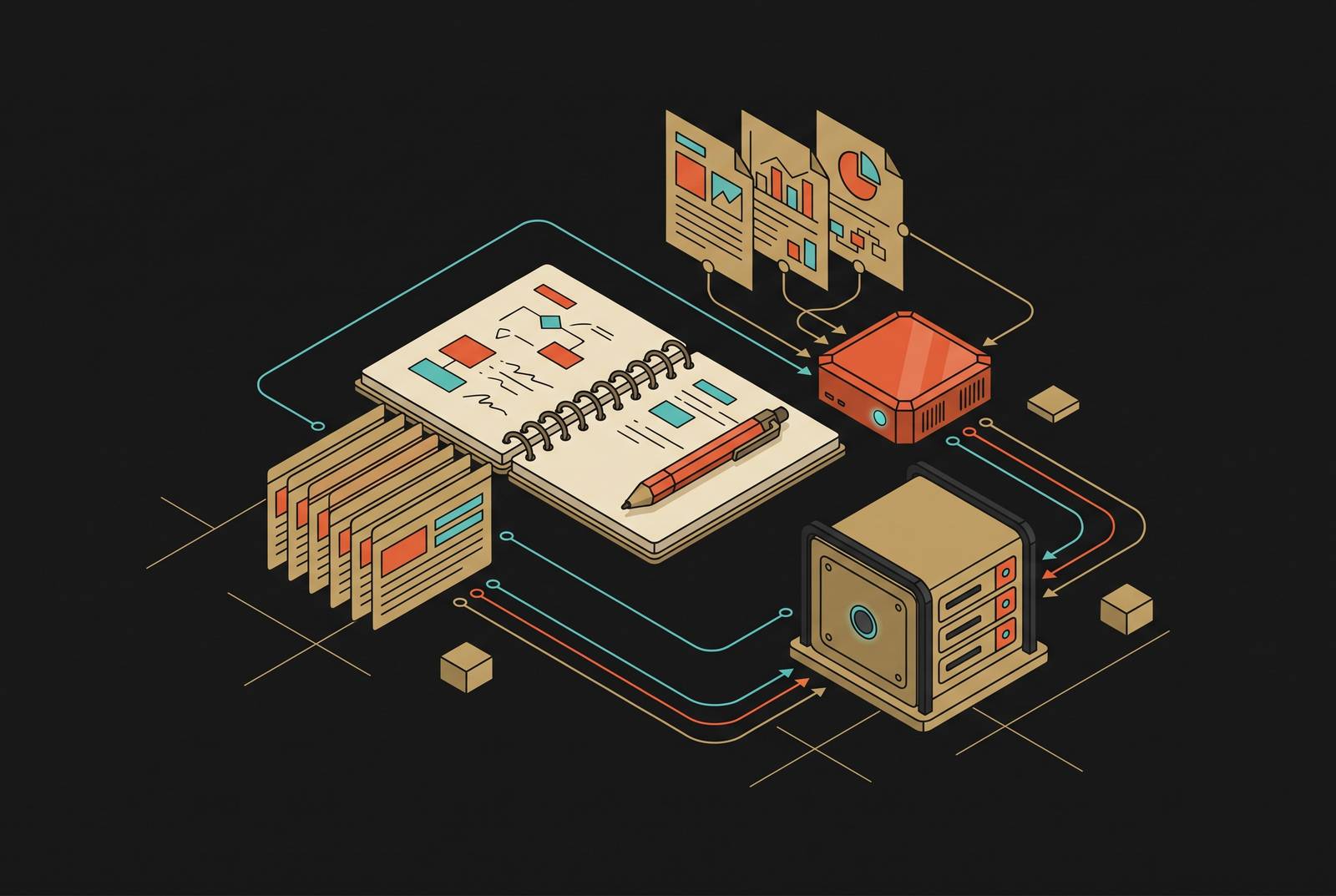
AI note-taking tools can help reduce the mental cost of switching tasks by preserving meeting context or retrieving relevant material from a personal knowledge base. The right local assistant depends on which of those jobs interrupts your work, what your hardware can run, and how much setup you want. Keeping reasoning on your own device can work well, but local transcription and local knowledge retrieval call for different tools.
Why the local-vs-cloud split in AI note-taking is a meaningful choice, not just a privacy preference
Sending audio or text to a vendor server is no longer the only practical route to AI-assisted notes. Open-weight models such as Qwen 3, Llama 3, and DeepSeek now run on consumer hardware with quality approaching cloud models. Meanwhile, the software needed to run them has become simpler, with starting points that take a single terminal command. That changes the decision from principle to practice. Where inference runs determines which information leaves the device, which hardware does the work, and who configures it.
The surrounding software has matured as well. Local runtimes are now a standard way for note apps to use an on-device model without having to build their own inference system. Local AI is consequently a category with distinct products and trade-offs.
Why the local-first category immediately splits into two different problems
Meeting transcription starts with audio and ends with structured notes. Between those endpoints, a speech-to-text model produces a transcript, and a summarization model turns that transcript into something easier to revisit. Speed is a live constraint. The system must process audio in real time, while its privacy exposure includes the voices and words of other participants.
Personal knowledge management, or PKM, starts with notes that are already there. An on-device model retrieves relevant material from files and answers questions about it on demand. There is no continuous audio stream to follow. Instead, the work is indexing and querying a knowledge base, and the exposed information is personal or organizational intellectual content. A tool that solves the first problem therefore cannot be assumed to solve the second.
What "local" actually means in meeting transcription tools, and where the line blurs
A local transcription tool commonly pairs Whisper or Parakeet for speech-to-text, often shortened to STT, with a separate large language model for summaries. That second model might run on the device through Ollama, or the tool might call it through a cloud API.
The distinction becomes important when a tool transcribes on the device but sends transcript text to a cloud summary provider. This hybrid data path, keeping audio private while sharing the conversation’s content, may be a reasonable compromise. Keeping both stages on the device takes more hardware and setup, and the local summary may be weaker than one made in the cloud.
A visible bot joins the call as a participant, while a botless tool captures audio directly from the device. Neither approach, by itself, establishes where summarization happens. Neither approach shows, on its own, that the people in the meeting have given informed consent.
The meeting transcription tools that keep processing local, and what each one actually trades away
Meetily from Zackriya Solutions provides a free Community Edition under the MIT license, with desktop apps for Windows and macOS. Linux requires a source build. Its Pro plan costs $25/month, billed monthly, adding speaker identification, custom templates, advanced exports, and assistant/script integrations. It works with Google Meet, Zoom, Microsoft Teams, and other video conferencing software, with no need for browser extensions or external tools. To keep transcript text on the machine, users must choose a local Ollama model as the summary provider.
OpenWhispr offers a different fit, combining botless meeting capture with system-wide voice dictation. It is free, MIT-licensed, and available on macOS, Windows, Linux, and iOS, with unlimited local transcription. It can run completely offline, but getting polished cloud-style summaries takes more setup.
Vibe suits users who need more than live meetings. The free, MIT-licensed desktop app supports file and batch transcription, microphone and system-audio capture, speaker diarization, and an HTTP API on macOS, Windows, and Linux. It supports Whisper, Nemotron, and Parakeet models. Summaries can use local Ollama or the Claude API, with the latter sending text off the device.
Weeve takes the more contained route on macOS. It records audio on the device, transcribes locally, and writes summaries with a local model, using Gemma 4 on capable hardware. Weeve’s botless, end-to-end local processing uses the internet for account and update checks and is constrained by platform reach.
Scriberr is free and MIT-licensed, and works better as a transcription server that a team shares than as an app installed on each person's desktop. Anarlog also has an MIT-licensed free community edition, with Pro billed monthly or annually. Its inclusion alone does not establish the same end-to-end guarantees described for the other setups. Across this group, local audio with cloud summaries is often the practical middle ground, provided users know that transcript content crosses the boundary.
What "local" actually means in PKM tools, and why the architecture is different enough to change the comparison
Local PKM often uses retrieval-augmented generation, or RAG, to work with notes kept as files on disk. Rather than processing a meeting as it unfolds, the system retrieves material relevant to a query for the model to use. The exposure is query-by-query. But the knowledge base may hold personal or organizational information built up over time, so keeping track of where retrieval sends that information matters as much as keeping track of where audio goes.
Ollama is the dominant integration layer in this category, exposing a local REST API that note apps can call without sending material to a vendor. The workload also arrives in bursts. A slower answer on modest hardware can be acceptable where lagging live transcription would not be. Markdown files add a separate benefit because their contents remain readable and movable independently of the application. Local inference and portable storage are related advantages, but they solve different problems.
The PKM tools and setups that keep reasoning local, from lowest-setup to most infrastructure-intensive
Apple Notes with Apple Intelligence needs no setup to get started on supported iPhone, iPad, and Mac devices. Its on-device features include summarization, text rewriting, voice transcription with summaries, and automatic categorization at no additional cost. There is little to assemble. The trade-off is a fixed feature set rather than an extensible system, making it a fit for people already in the Apple ecosystem who want useful assistance without configuring models.
Ariv moves toward a local Markdown workflow without making plugins the center of the experience. It combines an editor, local vault, task extraction, calendar, search, and AI, with Ollama as a first-class provider for summaries and Ask Brain responses. Its core Markdown workflow is free. Compared with a plugin-built setup, it offers a more cohesive daily workflow at the cost of less extensibility.
For users whose main need is questioning documents rather than writing notes, AnythingLLM Desktop packages local document chat, model selection, knowledge workspaces, and agent capabilities. The MIT-licensed, cross-platform app keeps models, documents, and chats on the device, and users do not need an account. It is not a full Markdown editor. AI Notebook addresses another narrower need through a citation-first design suited to research and document-heavy study.
More assembly buys more control with Obsidian and its Copilot plugin. The Markdown vault is separate from the AI layer, so replacing the model or plugin does not require replacing the notes. Users also have to put the pieces together themselves by choosing plugins, setting up models, and deciding how to connect them.
Logseq with an Ollama community plugin brings a similar local-model connection to a block-based outliner and journal workflow. How well it fits depends first on how someone likes to organize notes, while local inference needs the community plugin. Khoj goes further toward infrastructure. Its open-source, self-hosted knowledge assistant fits people who want to work with several types of documents and are happy to run the system themselves.
The hardware reality behind local inference, and what it costs
When buying hardware, the chosen model needs to fit with room to spare in the available VRAM or Apple Silicon unified memory. Local inference is memory-bandwidth-bound, so capacity alone is not the whole performance story. Model fit is the starting constraint. When a model spills into system RAM, generation can slow enough to make interactive work impractical.
Apple Silicon’s unified memory lets even large models run well without a discrete GPU, and it runs quietly enough for daily laptop use. A used prosumer GPU offers another route into local inference within personal purchasing range. There is no single purchase requirement for every setup. Transcription, summarization, and occasional knowledge-base queries impose different demands, so the model and workload should guide the purchase of an “AI computer.
A fully local meeting pipeline needs room for the demands of both transcription and summarization, while PKM users may tolerate slower, intermittent answers. That difference can change whether existing hardware is sufficient. The cost depends on the setup chosen, with no single price to get started.
Why local processing does not automatically solve the consent and legal exposure that cloud tools create
Keeping inference local addresses transmission to an AI vendor, but it does not establish permission to record another person. Those are separate obligations. A voice recording may implicate biometric or sensitive-data rules where a tool creates voiceprints or speaker-identification templates, regardless of where processing runs.
The same distinction applies to geography. Recordings stored on a laptop in one country can still raise transfer complications when participants are in another jurisdiction. A local device is still somewhere. As a result, “nothing leaves the device” cannot serve as a complete answer to cross-border legal questions.
People may find out only afterward that they were recorded, and a notice alone does not mean they have given active informed consent. For adoption in practice, explicit participant consent and notification policies are required regardless of whether the tool is local or cloud-based.
How do you choose a local AI note setup that helps you stop losing context between projects?
The decision starts with the context that needs preserving. If it disappears in meetings, the relevant capabilities are transcription, summaries, and a clear boundary around where audio and text go. If it disappears among project notes, the relevant capabilities are retrieval, document chat, and a note workflow that fits how the material is organized. The hardware and assembly questions follow from that choice.
For meeting transcription on a Mac with minimal setup, Weeve is a low-friction starting point with an explicitly local conversation pipeline. For cross-platform or team needs, Meetily Community with a local Ollama summary model is the most fully documented end-to-end local option here. OpenWhispr fits users who prioritize open-source auditability and offline operation, accepting extra configuration for polished summaries.
For PKM with no setup on supported Apple hardware, Apple Notes with Apple Intelligence is the entry point. Ariv fits users who want Markdown files and built-in daily workflows, while Obsidian with Copilot or Local LLM Hub suits those who value extensibility over polish. Khoj fits when the aim is to run self-hosted infrastructure. The accessible path is to match the assistant to the lost context, then choose the level of local processing the hardware and setup tolerance can support.