AI Tools That Reduce Context-Switching for Deep Work
Protecting focus time and memory matters more than automating the most tasks.
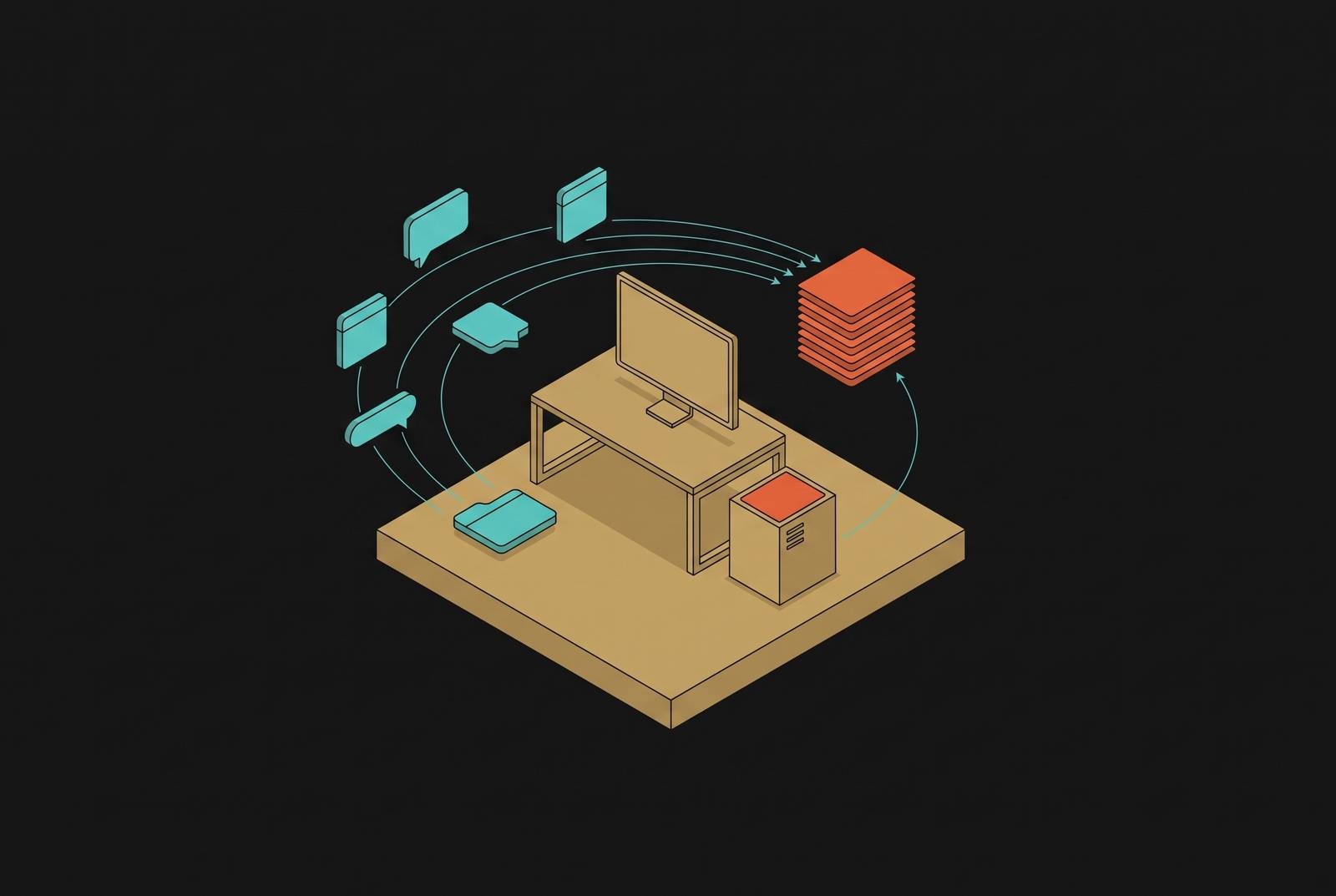
AI tools reduce context-switching when they keep task context at hand, find information inside the workspace, or take care of routine handoff decisions before someone has to stop work to make them. This guide to AI tools for deep work argues that the best assistant is not the one that automates the most tasks, but the one that leaves less mental state to rebuild. Calendar protection, embedded assistance, and workflow automation serve that goal only when they add less supervision than they remove.
Why context-switching is a memory problem, not a time-management problem
When someone is interrupted during hard work, the document can stay open while the thinking behind it slips away. Before the interruption, the worker held the goal, the constraints, and the next move together. Afterward, those pieces must be assembled again. The calendar records a short detour, but not the effort of recovering the mental model that made progress possible.
Working memory has little room to spare. It holds roughly four to seven items at once, with more recent research suggesting the limit is closer to four. Sophie Leroy’s attention residue research explains a further cost, because some attention stays with an unfinished task after a switch, consuming capacity needed for the next one. The useful test for an AI tool is therefore not whether it does more, but whether it reduces how often the worker must reconstruct that mental state.
How AI tools reduce the number of times you must reconstruct mental state
AI can act as external memory for deep work, keeping information at hand so someone has less to hold in their head. That contribution takes three forms. Context preservation keeps relevant material close when work resumes, while consolidated retrieval answers questions without a separate search-and-scan detour. Workflow automation acts earlier, removing routine handoff decisions so they never compete for attention.
METR’s study of experienced developers working on their own repositories found that AI assistance added time. Delegation created its own switching cycle. Developers had to read generated output, evaluate it, explain corrections, and review the next attempt. That finding applies to agentic coding assistance on complex, mature codebases, with its applicability to retrieval, scheduling, or routine automation left unestablished.
Boston Consulting Group’s research found another constraint, with self-reported productivity falling among workers running four or more AI systems simultaneously. External memory is not free if every system needs attention. Both what the assistant remembers and how much work supervising it introduces therefore matter. That distinction separates support for deep work from another queue to manage.
AI calendar and scheduling tools that defend focus time before interruptions arrive
Reclaim AI automatically schedules deep work blocks, habits, and task time based on what matters most and which time windows someone prefers. It defends those blocks against incoming meeting requests and reschedules them when plans change. Without that support, protecting an afternoon can itself require repeated decisions about which task to move, which meeting to accommodate, and what remains possible.
Motion automatically schedules tasks around meetings and focus blocks, then rebalances the day when an urgent task arrives. A traditional block reserves time, but leaves the worker to reconsider the plan when circumstances change. Motion takes on that rescheduling work, reducing the need to interrupt the current task for manual re-triage.
Both tools help protect time and cut down on the daily back-and-forth over the calendar, which can leave attention residue before a hard task even starts. Scheduling protects time for focus, while interruptions inside a focus block call for a different kind of assistance.
AI coding assistants that maintain context across interruptions for developers
When a developer is interrupted mid-debug, they can lose track of where to edit next and how the symptoms, constraints, and possible causes fit together. Going back to the same file does not bring those links back to mind. Embedded coding assistance can reduce reconstruction work by keeping relevant context within the development environment. The important distinction is between access to that context and a promise that the assistant remembers everything.
GitHub Copilot provides assistance in the editor, while Cursor integrates AI directly into development workflows. Amazon Q Developer also integrates with development environments. Integration is the shared mechanism. For Q Developer, that should not be confused with persistent conversational memory, because it does not retain context across different conversations.
Protected focus blocks also shape what these tools can achieve. Combined tool-and-policy adoption can support longer deep work sessions and faster context recovery, but that does not isolate the software as the cause. An assistant cannot compensate for a workday in which uninterrupted time has no protection.
METR’s finding applies most directly to this category. The developers in the study mostly used Cursor with Claude, and the delegation-then-review loop took longer than doing the tasks without AI assistance. For experienced developers on mature codebases, generating code and preserving context are therefore separate benefits to assess.
Long-context AI assistants that consolidate research and document work into fewer sessions
Research and writing have their own version of losing the debugging model. The worker must recover what a document said, why a source was relevant, and which constraints shaped the draft. Having to explain that background to an assistant again adds to the work of piecing it back together. Long-context assistance can reduce this burden by keeping substantial project material within a session, so the worker does not repeatedly re-summarize information already supplied.
Gemini integrates with Google Workspace so users can query across Drive, summarize email threads, and draft directly in Docs. The focus benefit comes from that placement. Retrieval and drafting can happen inside the environment where the material already lives, rather than requiring a separate trip to an AI interface and another explanation of the task. For a research-heavy role, removing that boundary can be more useful than adding an isolated capability.
Is a large context window enough on its own to solve the problem? Not if the worker still has to move between disconnected environments to gather and supply the material. Long context helps retain what has been provided, while workspace integration reduces the effort of getting information into the task in the first place. So one embedded assistant can mean fewer switches than several specialized tools whose outputs the worker has to bring together.
AI knowledge bases that answer questions from your own notes without a folder search
Finding a decision or a specification rarely feels like a major interruption. It still changes the task in progress. Instead of reasoning about the work, someone begins remembering where information was stored, opening possible matches, and scanning for the relevant passage. Those small retrieval detours break up focus because each seems too small to do anything about.
Notion AI lets users ask questions in natural language and receive answers synthesized from their own notes. A question about the open blockers for Project X can draw together relevant pages without a folder-by-folder search. The assistant acts as an index of accumulated thinking. Its contribution here is not writing new content, but replacing the navigation and scanning needed to recover existing knowledge.
Perplexity addresses a related retrieval problem in research by combining search, summarization, and citations in one environment. It reduces movement between a search engine, article tabs, notes, and the place where an answer takes shape. The distinction is the source of the information. Notion AI retrieves from the worker’s notes, while a research assistant consolidates the search-and-source-gathering cycle. Both reduce the number of separate retrieval steps competing with the question the worker originally set out to answer.
Workflow automation that removes handoff decisions from the worker's queue entirely
Zapier connects apps and uses AI to automate repetitive, multi-step workflows without code. Moving a completed task into a project tracker, notifying a teammate, or logging a record can happen through conditions and triggers. These actions may be small, but they require a change of attention when performed by the worker. Automation removes that detour.
This extends the logic of calendar protection. Scheduling absorbs decisions about when work can happen, while workflow automation absorbs routine transitions between stages of work. With either kind of tool, the worker has less need to keep every handoff that is still waiting in memory.
Organizational rules can remove interruptions in a similar way. Task batching and protected focus time can reduce disruption even when compliance constraints prevent external AI use, because the decision about when to interrupt is partly a workplace policy question. Technical automation leaves novel interruptions and the review of AI-generated work untouched, which becomes important when several assistants compete for the same worker’s attention.
Why adding more AI tools can increase context-switching instead of reducing it
Each assistant introduces something the worker may have to monitor, interpret, or correct. A tool can take over a step someone does by hand but add a review loop somewhere else. The BCG finding makes simultaneous supervision a central selection constraint.
ActivTrak’s analysis found that after AI rollout, time spent across job responsibilities rose sharply, email volume climbed, and chat and messaging surged. Productive sessions grew longer, but the average focused session got shorter. Those measures point in different directions. More time processing work does not necessarily mean more sustained attention on a demanding problem, especially when communication expands with output.
Faros AI’s analysis of developer telemetry found that teams with high AI adoption finished more tasks and merged far more pull requests, but spent much more time on review as pull requests grew larger. The extra output created a downstream review bottleneck. In that pattern, cognitive load was transferred rather than eliminated, with reviewers absorbing work that generation made easier to produce.
The correction is to judge the tools’ combined demands, including the attention needed to move between them and evaluate what they produce. Tool fatigue makes consolidation a productivity intervention in its own right. The relevant unit is the worker’s whole workflow.
How to select a minimal AI stack that protects focus rather than fragmenting it
The practical response is to select a minimal stack around specific bottlenecks rather than adopt broadly and hope to consolidate later. A possible starting point is one writing or reasoning tool, one scheduling tool, and one automation tool. That is a prescription informed by BCG research that supports caution about tool count but does not establish those categories as the optimal combination for every role.
Embedded assistance fits a retrieval or context-recovery problem, while scheduling and automation address decisions that arrive before or between work sessions. Choose tools that work inside the editor, document workspace, or calendar already in use. A separate login, interface, and review loop count against a tool even when its individual output is useful.
Organizational permission to protect focus is a prerequisite. If colleagues can keep overriding focus blocks, or every finished action needs a response right away, the stack cannot protect that time on its own. For teams building AI-native workflows, the design goal is an intelligence layer that supports judgment and reduces active monitoring. Making more outputs available for supervision is a different outcome.
Measurement must make that difference visible. ActivTrak’s research found that a large majority of employees had started using AI, but its effects had largely gone unmeasured. A baseline of session length and interruption frequency, assessed with task volume, gives teams a way to judge whether adoption protects deep work. Application analytics alone can show which tools are open. The final test is fewer occasions to reconstruct mental state.